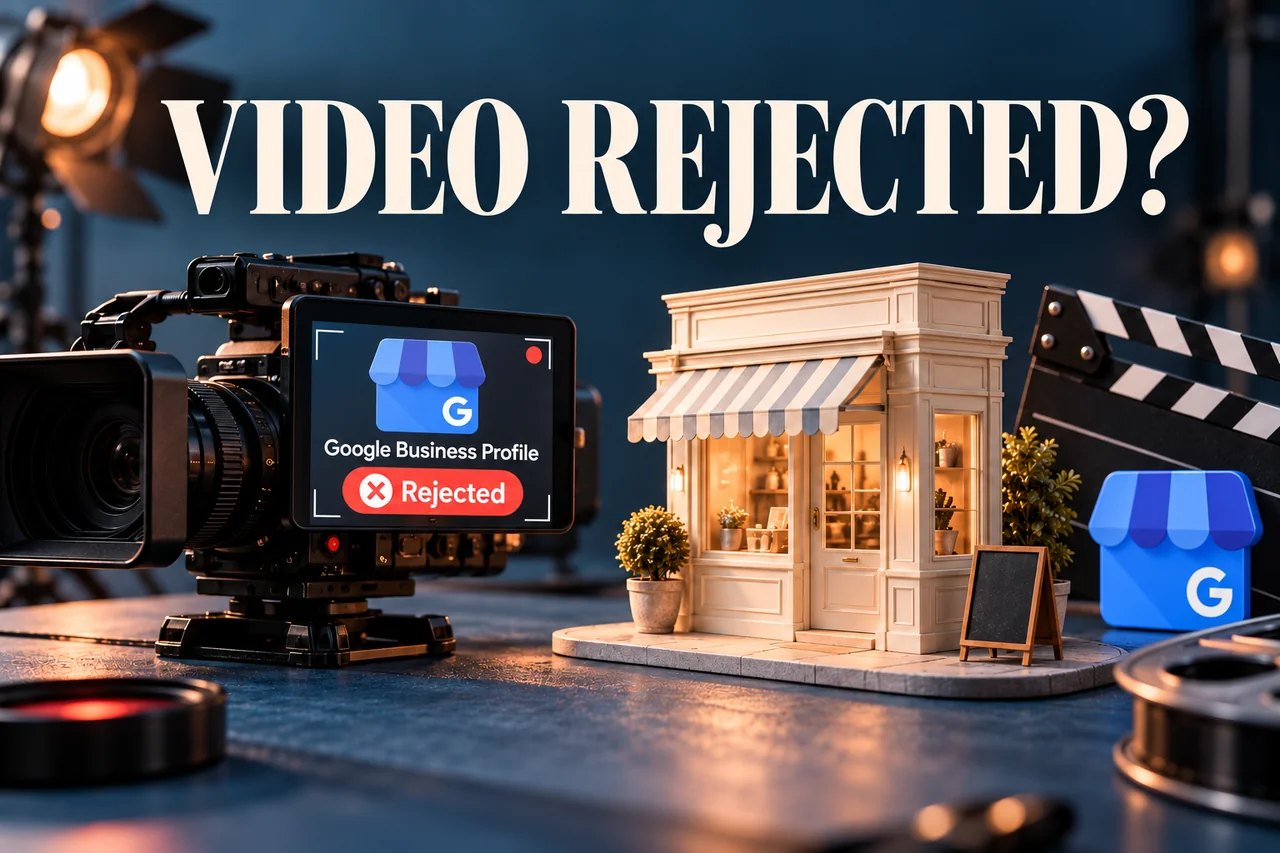
A rejected verification video can be frustrating when the business is real and the owner has already spent time filming it. The next step is to understand what the recording demonstrated and what evidence the review says is missing.
If your Google Business Profile video verification was rejected, inspect the feedback, confirm that the profile accurately represents the way the business operates and plan a new recording around the required evidence. Simply sending the same footage again does not address a missing location, business-activity or management detail.
The goal is to show a genuine business clearly. An edited promotional film, a generated storefront or borrowed documents are not appropriate substitutes for the verification process offered by Google.
Separate rejection from an upload or review problem
Record the message in the verification experience. A rejected video is different from a file that did not upload or a submission still under review. Note when the recording was sent and keep any issue description available in the account.
If an option such as Review issues appears, read it before recording again. Create a short list of the evidence requested. If the problem is technical, note the device, the point at which the upload fails and any error shown.
Our broader Business Profile visibility guide can help when the concern is whether the listing is publicly visible rather than whether a particular recording passed review.
Match the evidence to the real business type
Google's video verification guidance distinguishes storefront, service-area and hybrid businesses. The recording should reflect how your business actually serves customers.
For a customer-facing location, the relevant evidence may include recognisable location details, permanent business signage and access that demonstrates management. For a service-area business, plan around the operating location, genuine work equipment and business-only access or activity that fits the service.
Do not invent a shopfront because another business used one. The profile information and the evidence should describe the same real operation. If you are uncertain about eligibility or address display, resolve that question before repeating the recording.
Plan a continuous walkthrough before opening the camera
Write a filming plan in ordinary language. For example: start where the surroundings identify the location, move to evidence of the business, then show an action that demonstrates authorised management.
This is a planning aid, not a universal script. A mobile service provider, a retail shop and a workshop need different evidence. Walk the route first to check lighting, legibility and whether unrelated people or sensitive information will appear.
Google requires a live recording through its verification process rather than a pre-recorded file uploaded later. Its current guidance specifies a continuous, unedited recording of at least 30 seconds. Meeting the duration alone does not establish that the necessary evidence is present.
Make the recording easy to understand
Hold the device steadily enough for location details and signage to be read. Avoid rushing between objects. Show the relevant relationship between the surroundings, the business and your access rather than filming disconnected close-ups.
Use real evidence that you are authorised to provide. A key opening a business-only area or an appropriate action with work equipment may tell a clearer story than a camera passing over a logo.
Keep other people's faces and sensitive information out of the recording. Review Google's current restrictions before starting, particularly if paperwork could expose identification, financial or customer details. A verification video is not an occasion to display every document the business owns.
Respond to the specific reason for rejection
After reviewing the feedback, compare it with your filming plan. If location evidence was weak, identify what genuine identifiers were missing. If management evidence was unclear, decide which authorised action can show that relationship more directly.
Include the useful evidence from the previous attempt while addressing the missing element. Do not rely on a different camera angle if the underlying problem is an inaccurate profile or unsuitable business representation.
If no further verification option is offered, use the support route available for the profile and explain the exact block. A different method or manual approval cannot be promised by a third party. Keep the case history together rather than scattering it across unrelated requests.
An example: a service business without a public shop
Illustrative example, not a client case study: A mobile repair provider records only a toolbox on a table. The video does not clearly connect the tools to the operating location or demonstrate that the person filming manages the business.
Before the next attempt, the owner checks the profile's business type and reads the review feedback. The new plan connects genuine location identifiers, branded work equipment and authorised access to business assets in one clear sequence.
This improves the explanation of the real operation. It is not evidence that a particular filming sequence guarantees verification, and it should not be used to justify fabricated signage or a location where the business does not operate.
A checklist for the owner and the support team
- Confirm the correct profile and authorised managing account.
- Save the exact review message and submission date.
- Check that the profile accurately describes the business type and location.
- Plan location, business-existence and management evidence relevant to that type.
- Check lighting, connectivity and the route before recording.
- Keep private documents and unrelated people out of view.
- Record through the offered verification process and retain the outcome.
For help reviewing the information and planning a genuine evidence sequence, explore our Local SEO and Google Business Profile services. Keep sensitive evidence within the appropriate official process.
Frequently asked questions
Can I use a polished promotional video?
Follow the recording method Google offers. A previously edited marketing video is different from a live verification recording.
Does a longer video have a better chance of approval?
Length alone does not resolve missing evidence. Focus on the relevant information and a clear continuous sequence.
Can an agency make Google offer phone verification instead?
Use the methods actually available for the profile. A provider should not guarantee access to an alternative method or a particular decision.
Should I change the business name to match temporary signage?
The profile should represent the real business accurately. Correct inaccurate information; do not create artificial evidence simply to match a desired profile.
Sources and further reading
- Google: Verify your business with a video recording.
- Google: Verify your business on Google.
- Google: Business representation guidelines.
Guidance checked on 29 October 2026. The walkthrough example is illustrative. Google determines available methods and verification outcomes.
Prepare evidence that represents your real business.
Plan the verification recording around your business type and the issues shown in your account.
Discuss profile verification