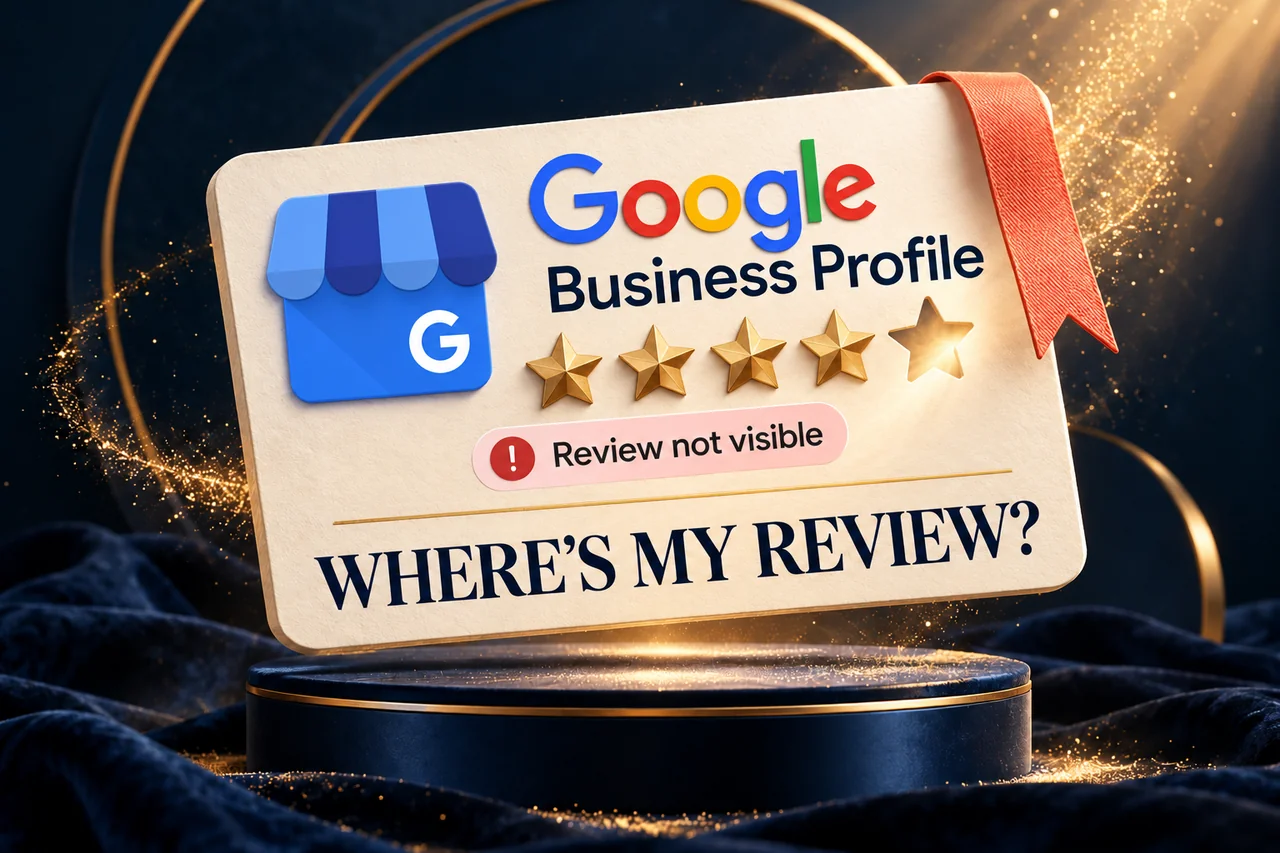
A customer says they have reviewed your business, but you cannot find the review on the public listing. Perhaps they can see it in their own contribution history, or the total review count has changed without an obvious explanation. The first task is to describe exactly what is missing.
A Google review not showing publicly can involve review processing, a policy decision, the wrong listing or a wider profile change. The business owner cannot publish a customer's review on Google's behalf or guarantee that a removed review will return.
This guide explains how to check the listing, collect a useful record and choose the appropriate next step without pressuring customers or trying to manipulate reviews.
Confirm what the customer and the public can see
Ask which business profile the customer reviewed. Open its public Maps link and compare the business name and location with your own listing. A similarly named branch or duplicate can turn a location mistake into an apparent missing-review issue.
Record whether the review was newly submitted, previously public and then removed, or affected by a recent profile change. If the customer is comfortable sharing a screenshot privately, use it to identify the correct contribution and date. Avoid asking for access to their Google Account.
Check the public profile from a normal customer perspective. Keep this separate from the owner's management screen and from the reviewer's personal contribution history.
Understand the main situations before taking action
Google's missing-review guidance describes processing delays, policy removals and delays after profile merges. It also notes that some profile categories or circumstances can have posting restrictions. Reviews removed for policy violations are not restored simply because the business requests them.
These are possible explanations, not a diagnosis of a particular customer's review. Look at the timing and any relevant profile events before choosing which explanation to investigate.
Do not assume a missing review is caused by your website, a competitor or a low Maps position. Those claims require evidence beyond an absent contribution.
Review the business's feedback process
Check how staff request reviews. An appropriate request invites genuine customers to describe their own experience in their own words. It does not prescribe a rating, supply a prewritten review or reward a particular response.
Google's Maps content policies prohibit fake engagement, incentives for reviews and selectively soliciting positive feedback. That makes the business's own request process worth reviewing, even when the immediate concern is only one missing review.
Give staff a simple neutral message and the correct profile link. Remove practices that encourage copied text, staff-generated customer reviews or repeated posting from different accounts. These actions do not provide a reliable route to restoring legitimate feedback.
Check recent profile events and the pattern
Make a timeline of changes around the date the reviews disappeared. Was the business profile merged, reinstated, renamed or moved? Are all reviews affected, several recent contributions missing, or only one review absent?
Google advises contacting support when reviews are missing after a profile is reinstated. Record that event clearly if it applies. Also check the current rules for the business's category rather than changing categories solely to make reviews available.
A pattern helps frame the request. “Several previously public reviews disappeared after reinstatement on this date” is different from “one customer submitted a review this morning”. Keep the description factual and avoid attributing a cause you have not established.
Prepare a concise support record
Where the situation warrants support, gather:
- The correct public profile link and Business Profile ID.
- Whether the reviews were new or previously visible.
- The approximate dates and number of contributions affected.
- Any relevant merge, reinstatement or profile-change history.
- Screenshots the reviewer has voluntarily provided.
- Existing support references and the result of earlier requests.
Use the official Business Profile support route. Share only what is necessary through the appropriate private channel. Do not publish customer contact information, account details or private screenshots in a public thread.
Keep the acknowledgement and respond to the same case when asked for information. A case reference records a request; it is not confirmation that a review has been approved for restoration.
An example: a missing review on the wrong branch
Illustrative example, not a client result: A customer tells a furniture retailer that a review has been posted. The store manager checks the main showroom profile and cannot find it. The customer's privately shared link points to an older warehouse listing with a similar name.
The first useful action is to establish which listing represents the place the customer actually visited and clarify the confusion. Submitting a missing-review complaint for the showroom before checking the destination would have described the wrong issue.
The example shows why an exact public link is more useful than a business name alone. It does not imply that every missing review is a branch mistake or that the business should create another listing.
Improve the customer experience while the issue is reviewed
Continue responding appropriately to feedback that is public and address service problems customers identify. Keep original photographs, service information and contact details useful for people comparing the business.
Review counts are only one part of that decision. Our local visibility comparison guide explains why a single profile metric cannot fully describe ranking or enquiry performance.
For help organising the profile information and feedback workflow, see our Local SEO and Google Business Profile services. The work should improve clarity and record-keeping without promising control over Google's moderation decisions.
Frequently asked questions
Should I ask the customer to post repeatedly?
Start by checking the correct listing and the existing contribution. Repeated posting, copied text or additional accounts are not a sensible troubleshooting method.
Can an agency restore every missing review?
No. An agency can help document the issue and follow the appropriate process. Google determines whether contributions comply with its policies.
Does a review visible in the customer's account prove it is public?
Check the public listing separately. The reviewer's account view and what other customers can see should not be treated as the same observation.
Can I offer a discount for an honest review?
Google prohibits review incentives. Use a neutral request for genuine feedback without payment, discounts or conditions on the rating.
Sources and further reading
- Google: About missing or delayed reviews.
- Google Maps: Prohibited and restricted content.
- Google: Business Profile support.
Guidance checked on 29 October 2026. Examples are illustrative; no review-restoration outcome is promised.
Investigate the missing review with a clear record.
Connect the customer report to the correct public listing and use an ethical review-request process.
Review your local presence