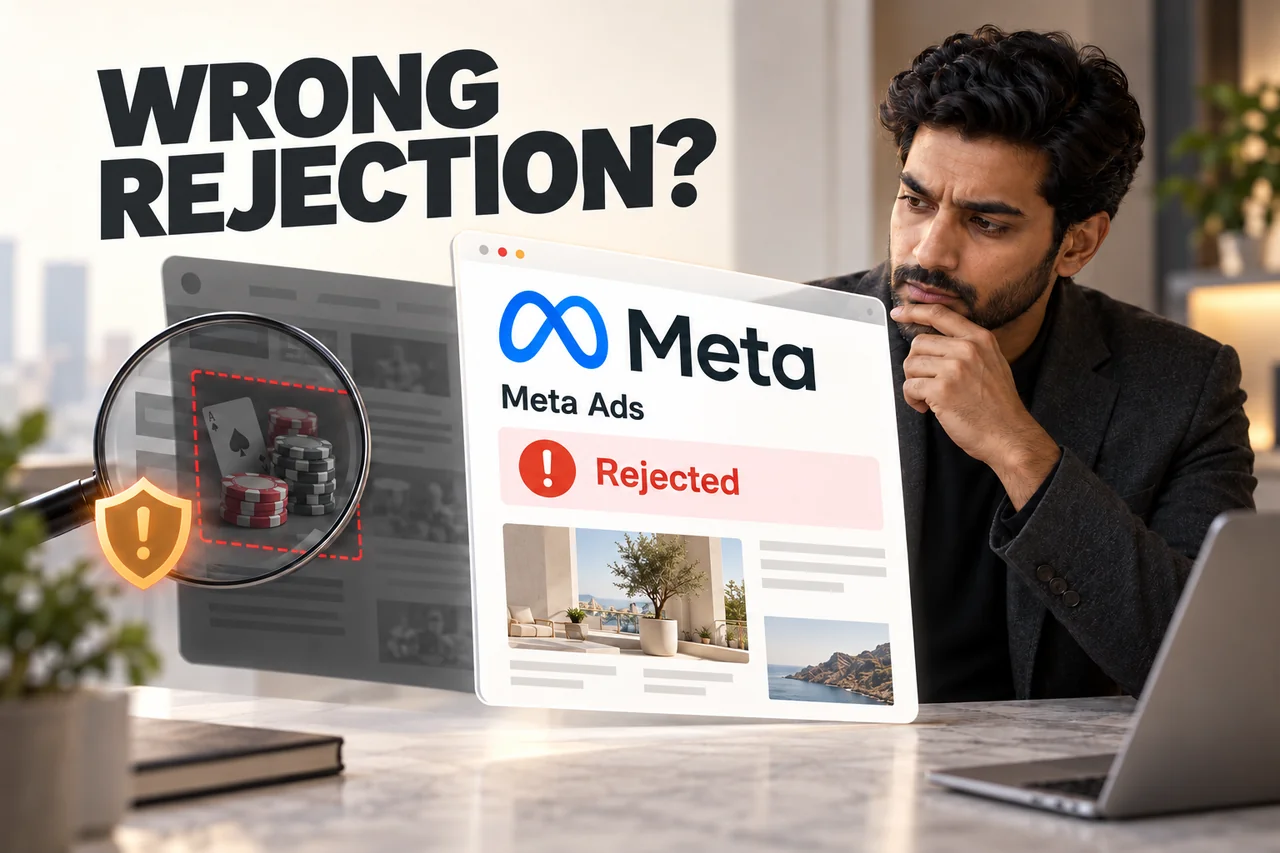
You run a legitimate business, but Meta rejects an ordinary service advertisement with a gambling-related policy notice. The wording can be alarming, especially when your creative contains no casino promotion. Investigate the rejection before assuming either that the website is hacked or that the platform has simply made a mistake.
Direct answer: a gambling-policy rejection does not prove a website compromise. Meta reviews advertising destinations as well as ads, so unauthorised gambling pages or redirects are one possible explanation. Other explanations include the submitted content, the wider destination, an account issue or an incorrect review decision. Evidence should determine the next step.
1. Read the rejection inside the advertising account
Record the affected ad, its destination and the exact policy details. Check whether the restriction applies to one advertisement or involves the wider account. Save the time of the notice and any review instructions.
Meta's Advertising Standards describe review of ad content and destinations. Its gambling and games policy also covers relevant promotional destinations. These references explain why inspecting only the image is insufficient.
Check the actual creative and link that were submitted, including any duplicated ad or tracking link. Do not rely on what someone remembers uploading. Keep screenshots free of account credentials and private customer information before sharing them with support.
2. Check the public journey, not only the admin preview
Open the advertised URL while logged out, on mobile and desktop. Follow its redirects and inspect the visible page, navigation and any linked promotional content. Ask an authorised developer to check unexpected behaviour rather than experimenting with suspicious links on a business device.
The developer can inspect server logs, recent content changes, redirect rules and the source of unfamiliar scripts. Search Console's security information and hosting alerts may provide additional evidence. A clean-looking homepage alone does not rule out a problem elsewhere.
Some compromised sites behave inconsistently across visits. That possibility is a reason for a careful investigation, not a diagnosis based on an ad rejection. Document what actually appears, where it appears and whether it was authorised.
3. How injected casino content could become relevant
An attacker might add unauthorised pages, links or redirects to a legitimate website. If that content becomes part of an advertising destination, it could bring the site into contact with a restricted-content policy.
This is a possible explanation, not a statement from Meta that every gambling rejection means hacking. A reviewer may also interpret legitimate content incorrectly, or the submitted destination may differ from the one the business intended.
Treat findings separately: “the ad was rejected” is an account event; “an unauthorised redirect was found” is security evidence. Connecting the two requires investigation. That distinction prevents both panic and a premature appeal that ignores a real problem.
4. If compromise is suspected, protect the business first
Pause traffic to an unsafe destination where appropriate. Preserve relevant logs and an incident copy before making destructive changes, and involve the hosting provider or a qualified security professional. Avoid deleting the entire site before understanding what must be recovered.
For a WordPress installation, the official hacked-site guidance recommends documenting symptoms and reviewing the environment. Recovery must address the entry point as well as visible unwanted content.
A practical recovery handover should identify the affected components, unauthorised accounts, exposed access and the clean recovery point. Rotate affected credentials through a trusted environment as advised by the responder. Restoring yesterday's files alone is inadequate if the same vulnerability or stolen account remains usable.
5. Example: an ordinary business page with an unexpected redirect
Illustrative scenario: an interior design business submits an ad for a consultation. The owner sees the correct page while logged in, but a fresh mobile visit sometimes redirects elsewhere. An authorised investigation identifies an unauthorised script introduced through an unsupported component.
The team preserves evidence, contains the issue, removes the unauthorised changes and fixes the affected access and software. It then tests the public destination again before requesting an advertising review.
The useful lesson is the investigation sequence. This is not a Digital Country client case, a claim that all similar rejections have the same cause or a promise that cleanup automatically restores ad delivery.
6. If the destination is clean, prepare a factual review
Review the advertisement, destination and applicable policy together. If you believe the decision is incorrect, use the review option offered in Meta's current business support or account interface. Explain the legitimate service and the relevant checks you completed.
If you corrected a compromise, describe the correction accurately without submitting passwords or sensitive logs through an inappropriate channel. Keep the supporting record available for authorised support requests.
Never hide content only from reviewers, serve a different destination to the review system or rotate domains to evade a restriction. The solution is a safe, compliant destination and an honest review request. Meta controls the outcome.
7. What Digital Country recommends checking together
- The exact advertisement and policy label.
- The full public destination and redirect journey.
- Hosting, content and access evidence where compromise is suspected.
- The recovery work and the actual vulnerability or access problem corrected.
- The current review instructions for the affected account.
Our social media marketing services can be coordinated with website maintenance support. For the wider prevention questions, read why WordPress websites get hacked. Keep campaign management and security response connected without confusing their separate responsibilities.
8. Frequently asked questions
Does “gambling” in the rejection mean my business has been hacked?
No. It is a policy notice, not a forensic diagnosis. Inspect the submitted content, destination and relevant account information before deciding what happened.
Can the landing page matter even if the ad creative is normal?
Yes. Meta's published standards describe destination review. The page and its behaviour should therefore be included in the investigation.
Will installing a security plugin guarantee ad approval?
No. A plugin does not prove that a site is clean or compliant, and advertising approval is a separate platform decision.
Should I create another account to run the same rejected ad?
Do not use another account or destination to bypass enforcement. Correct identified issues and use the legitimate review process available to the business.
9. Official references
Reviewed for this article: Meta Advertising Standards, Meta gambling and games policy and WordPress hacked-site guidance. Interface names and policy requirements can change; follow the current notice in your account.
Investigate the rejection before choosing a fix.
Review the ad, destination and security evidence together, with separate responsibilities for policy and recovery.
Discuss your ad destination