“If AI can make animation from a prompt, what are we paying a creative team to do?” It is a reasonable question. Generative tools can remove substantial production effort, and some projects can be completed with very little adjustment. The useful question is what your particular business video must communicate, how closely it must follow your brand, and who will check the result before customers see it.
Can AI create a finished animation immediately?
AI can generate moving visuals quickly and can sometimes produce a usable video with limited intervention. Whether that output is ready for your business depends on the brief. An abstract background for an internal presentation has different requirements from a product demonstration containing exact features, a deadline and a sales message.
Generation speed describes one part of production. A finished deliverable also needs a clear purpose, correct information and an appropriate format. If an automated result meets those requirements, there is no reason to manufacture extra manual work. If it misses them, someone must decide what to change and complete those changes. That is where creative direction and production judgement become valuable.
The brief determines what needs to be made
A useful animation brief starts with the viewer's situation. Are they discovering a service, comparing products, learning a process or deciding whether to enquire? A video trying to serve all four purposes can become a collection of attractive scenes without a clear point.
Before generation, establish:
- One main audience and the question the video should answer.
- The product, service or process that must be represented accurately.
- The action viewers should take after watching.
- Required brand assets, wording, formats and delivery dates.
- The person who can approve factual information and creative decisions.
These answers reduce avoidable revisions. A prompt such as “make a premium business animation” cannot supply a company's missing product details or decide its campaign priorities.
Creative direction makes the visuals belong together
Creative direction defines a visual approach that suits the message. A technical service might need a clear process illustration. A product launch might benefit from a controlled reveal. A customer story may need a recognisable setting and a believable sequence of events.
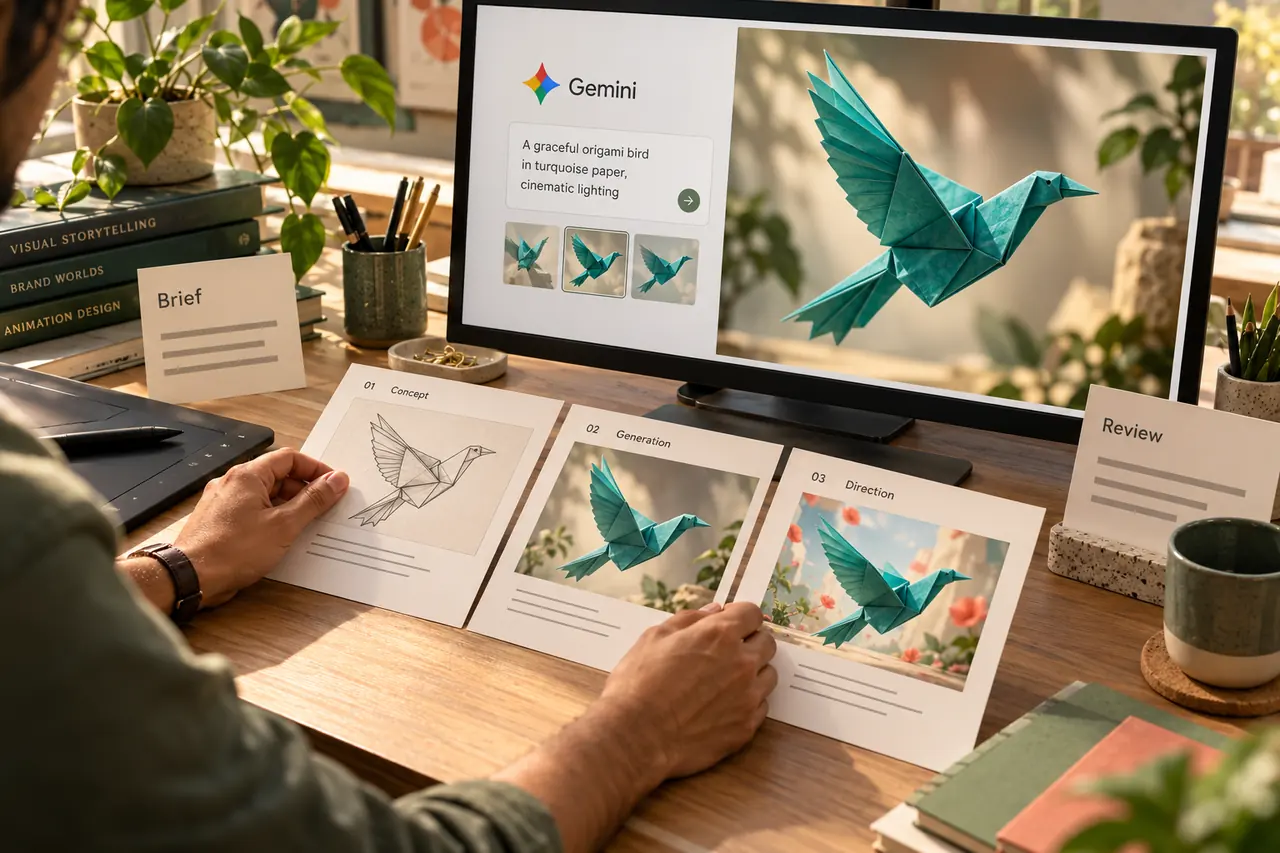
The producer can use AI to explore these approaches, select a promising direction and document what should remain consistent. That may include a colour palette, a character reference, camera behaviour and the treatment of on-screen text.
Gemini is one example of a tool that can help develop moving visuals: Google's photo-to-video introduction shows how an image and a description can guide a generated clip. The project still needs a decision about which result fits the approved direction.
The value lies in choosing an approach that explains the business. A dramatic visual effect is useful when it supports that explanation. It can be distracting when viewers are trying to understand a simple feature or follow an instruction.
What gets checked after generation?
Review the output against the brief rather than judging it only by how impressive the first frame looks. Watch the entire clip, including the last few frames where an otherwise convincing object may change shape.
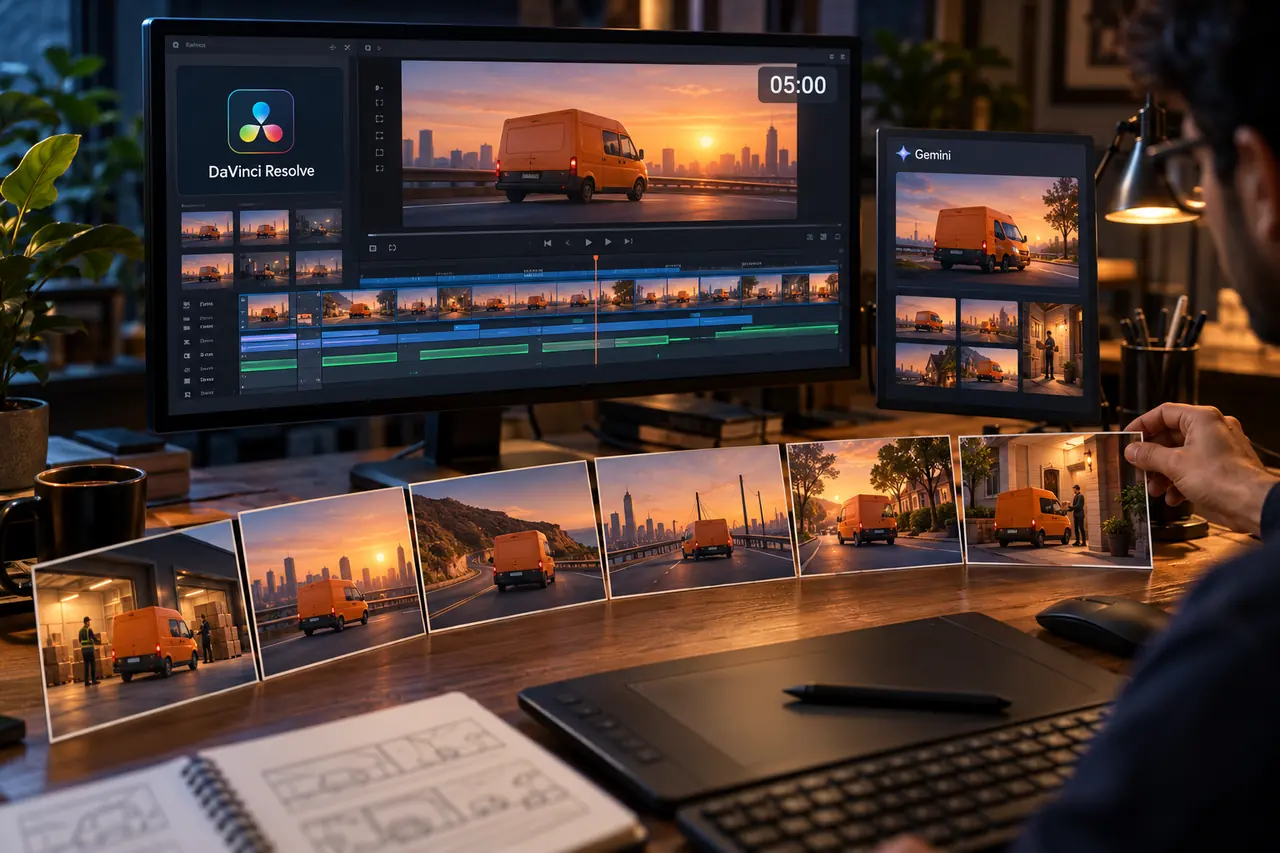
Check product proportions, character appearance, visible text, motion and the relationship between objects. Then check whether the scene communicates the intended idea without a lengthy explanation. A delivery animation showing a parcel arriving before it has been collected has a storytelling problem even if each frame looks polished.
Corrections can involve a revised prompt, a different reference, another generation or editing and compositing. The appropriate method depends on the defect. Some outputs pass immediately; others should be replaced instead of repeatedly repaired. Agreeing these acceptance criteria early makes review more objective.
An illustrative product-launch example
Imagine a business launching an insulated bottle. It asks for a short animation introducing the product and inviting customers to view available colours. This is an illustrative production example, not a reported client result.
An initial AI concept shows a beautiful bottle rotating in soft light. However, the lid differs from the actual product, the printed logo changes during movement and the scene suggests a temperature claim the business has not approved.
The team can keep the useful lighting idea while rebuilding the execution around supplied product images. It can place the approved logo as a controlled graphic, remove the unsupported claim and leave enough time for the final call to action. The output is assessed by accurate communication and usable delivery. The number of prompts alone does not describe that work.
Use approval stages to reduce rework
A practical workflow separates decisions that affect everything else. First approve the message. Then approve the style and representative frames. After that, review movement, editing and the final versions.
This does not require a complicated process for every small project. A simple social clip may need a short brief and one review. A detailed animation can justify more checkpoints because changing the central concept late may affect many scenes.
Ask for feedback in concrete terms: “the bottle cap is wrong” or “the audience cannot read the final line” is more actionable than “make it more premium.” Keep one consolidated feedback list and identify which comments change previously approved requirements.
What should a production quote explain?
A clear quote describes the deliverables and the work needed to achieve them. Look for the intended length, number of versions, source assets, voice requirements, review stages and included revisions. Tool usage can be discussed separately where it materially affects the price.
Professional fees should reflect an appropriate scope, skill and delivery responsibility. They should not depend on pretending that every frame was made manually. Equally, a software subscription does not describe the time spent resolving a product error, coordinating approvals or preparing several approved formats.
When comparing proposals, compare the same brief. An exploratory AI concept and a tightly controlled product animation can involve very different production requirements.
Digital Country's recommendation and further reading
Start with a small representative scene when the visual direction is uncertain. Use it to judge brand fit, accuracy and the amount of refinement required before committing to a larger production. Keep the workflow proportionate to the actual project.
Automation can cover substantial work: HeyGen's Video Agent documentation describes both chat-based revisions and detailed editing in AI Studio. That is a useful reminder to evaluate results and remaining requirements instead of assuming every workflow is completely manual.
For help planning a business animation, explore our motion graphics services. For longer sequences, read how short AI clips become a five-minute animation.
Frequently asked questions
Can I make a simple animation myself with AI?
Yes. A simple project with flexible visuals may be suitable for a self-service tool. Check the message, assets and final output against your intended use before publishing.
Why does an agency charge after using AI?
The charge can cover creative direction, production, refinement, communication and approved deliverables. Ask the agency to explain its scope and the decisions it will take responsibility for.
Does every AI animation need extensive editing?
No. Some outputs need little adjustment. The amount of work depends on the requirements and the quality of the result. Avoid paying for unnecessary steps simply because they appear in a standard process.
Does a longer production process guarantee better results?
No. More time or more generations do not automatically improve communication. Assess the video against a clear brief, accurate business information and the experience of its intended audience.
Start with the message your audience needs.
Share your brief, brand assets and intended use so we can recommend a suitable animation workflow and scope.
Discuss your animation brief