AI video editing can remove pauses, suggest cuts, generate captions and help assemble material. These are meaningful improvements, especially when the task is repetitive. For a business owner, the next question is practical: if software can do this, when does a professional editor add value? The answer depends on the decisions your video needs and how reliably an automated draft makes them.
What AI editing can do for a business video
Modern editing tools can automate substantial parts of a workflow. Blackmagic Design's DaVinci Resolve feature overview includes AI-assisted media search and script-based timeline assembly alongside editing, colour and audio tools. Feature availability depends on the version and edition.
These capabilities can shorten preparation and help an editor reach a useful first cut. They can also make a simple self-service project practical. A draft still needs to be assessed against the business objective: did it preserve the important explanation, show the correct product and give viewers enough time to understand the next step?
The professional contribution is the judgement and execution needed where the draft does not yet meet those requirements.
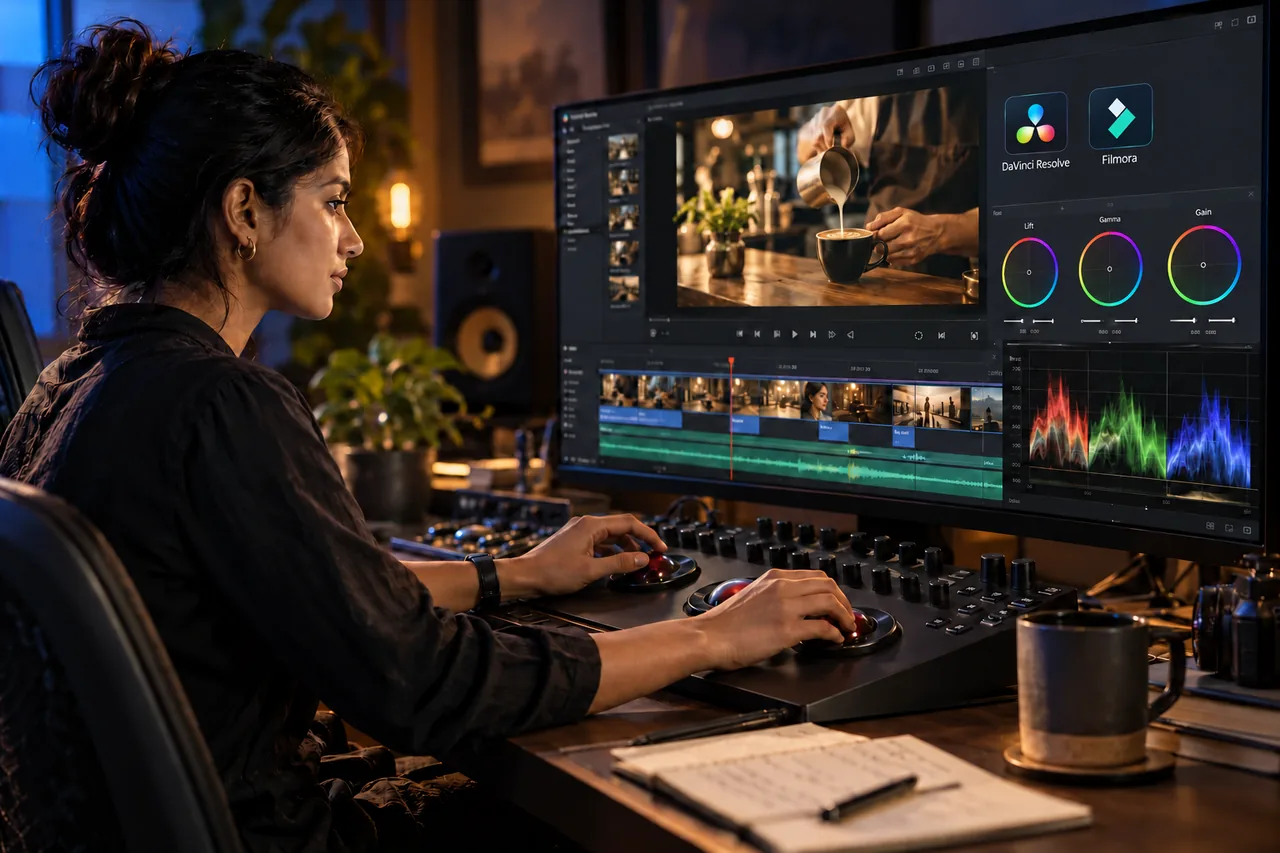
Filmora is another practical example. Its official feature guide lists text-based editing, silence detection and AI Smart Cutout. Its Auto Caption guide explains editable speech-to-text captions and styling. These tools can save work while giving the user control over the result. A business owner can use them directly, or an editor can include them in a larger production workflow. Choose Filmora, DaVinci Resolve or another editor according to the footage, required control and handover needs rather than assuming one application makes every project professional.
Decide what story the footage should tell
An editor starts by understanding why the audience should watch. A cafe film might need to show the atmosphere, food and booking experience. A software demonstration might need to explain one task clearly. Choosing the opening, evidence and ending follows from that purpose.
Footage often contains repeated takes, incomplete thoughts or attractive shots that do not support the main message. Selecting the right material can change the meaning of the finished video. An enthusiastic answer cut away from its original question can even suggest something the speaker did not intend.
For business content, a good edit preserves context and checks that demonstrations support the claims being made. Visual energy matters, but it should help the explanation move forward.
Pacing means giving each moment the right time
Fast cuts can make a video feel lively. They can also prevent viewers from reading a product benefit or understanding a comparison. Pacing is the relationship between what is being shown, what is being said and how much attention the moment requires.
An editor may shorten a slow introduction, leave a pause after an important point or hold a close-up while a feature is explained. These decisions depend on the audience and delivery format. A detailed YouTube demonstration can need more time than an introductory social clip.
Review the first few seconds, transitions between ideas and the final call to action. Removing every pause automatically is rarely a meaningful goal on its own. The useful goal is a clear, watchable sequence.
Sound and colour affect how the message is received
Viewers need to hear the main speaker without struggling against music or abrupt volume changes. Audio work can include selecting cleaner takes, balancing dialogue, reducing distracting noise and placing music where it supports the story. Some recordings require a replacement voice line because the original information is unclear.
Colour work helps shots from different cameras or lighting conditions sit together. It also needs restraint when the video sells a physical product. A treatment that makes a fabric, wall finish or cosmetic shade look substantially different can create the wrong expectation.
Review sound on ordinary listening equipment and check important product colours against approved references. Polished presentation should support an accurate understanding of what the business provides.
Captions and formats need their own review
Automatic captions are useful starting material. Check names, technical terms, numbers and the timing of complete phrases. A single incorrect digit can matter more than a decorative transition.
Different formats also change the composition. A landscape interview cropped vertically may lose the product demonstration at the side. A caption placed too low may compete with app controls. A square campaign version may need a different title arrangement.
An editor can reframe the shot, resize graphics and move captions while maintaining a consistent message. Agree which versions are required before production. Asking for several aspect ratios at the end can create avoidable rework when the initial footage was framed for only one use.
An illustrative cafe-video example
Consider a cafe that supplies phone footage for a short promotional video. This is an illustrative example, not a claim about a real campaign. The material includes a busy coffee machine, a slow pan across tables, a customer greeting and a clear shot of the booking details.
An automated edit chooses the most active shots and adds music. It looks energetic, but the greeting is difficult to hear and the booking information disappears almost immediately.
A professional revision can open with the strongest food shot, preserve the greeting at a comfortable level, show the atmosphere and hold the booking details long enough to read. It may use the same source material and fewer effects. The contribution is a more coherent viewing experience and an intelligible next step; an increase in sales would still need separate measurement.
When should you use a template or hire an editor?
A template can work well when your footage is consistent, the message is simple and the output needs limited customisation. Internal updates and repeatable announcements are useful places to test automation.
Consider professional help when the footage is difficult, several speakers need a clear narrative, exact product details matter or the campaign needs coordinated versions. The editor should explain the expected work rather than treating every project as a complex production.
Supply the footage, approved message, brand assets and delivery requirements together. Agree the review process and what is included in the handover, particularly if another team will need to revise the project later.
Digital Country's recommendation
Judge an edit by whether the intended viewer can follow it, trust it and understand the next step. Ask to see how the opening, sound, captions and ending serve that purpose. A long list of effects is less useful than a clear explanation of the editorial decisions.
Our video editing services can support a complete business edit. If your content is intended for a particular channel, explore YouTube video editing or Instagram Reels editing. Share your existing footage first so the scope reflects what the project actually needs.
Frequently asked questions
Can an AI editor complete a video without manual changes?
Yes, particularly for a simple brief with suitable source footage. Review the result before publishing. Professional support becomes useful when the output needs decisions or corrections beyond what the automated workflow delivers.
Does a professional editor have to avoid AI?
No. Editors can use automation for preparation and production while taking responsibility for the decisions and checks included in their scope. The choice of tool should serve the project.
Are captions enough to make a video understandable?
Captions help, but the sequence, visuals and sound still need to make sense. Check spelling, readable placement and whether viewers have time to follow each phrase.
What should I send before asking for an editing quote?
Send representative footage, the intended audience, key message, target length and required platforms. Include examples of the desired style and explain which business details must remain exact.
Give your footage a clear purpose.
Tell us what viewers should understand or do, and we can scope the editing, sound, captions and delivery versions around that goal.
Discuss your video edit