“If AI can generate a video, can it make our entire five-minute animation in one step?” Sometimes a video-building tool can assemble a long draft with extensive automation. A custom animation built from generated scenes has a different planning challenge: each scene must contribute to one coherent explanation. Understanding that workflow makes it easier to compare proposals, set a realistic scope and recognise what still needs attention after generation.
A short generated clip and a complete story
A clip may show one action: a vehicle leaving a warehouse, a machine operating or a character entering a room. A five-minute business animation needs those actions to explain something in a sensible order. It also needs consistent visual details, suitable narration and a clear ending.
The work varies. An internal presentation using a flexible template may need little intervention. A detailed product or process animation can need tighter control. The producer's job is to select an appropriate workflow and check that the whole video communicates the approved message. There is no reason to recreate manually what automation has already done well.
What do current clip-duration limits mean?
Limits belong to a particular model and workflow. At the time of research, Runway's Gen-4.5 documentation lists individual generations from two to ten seconds. That is an example of a clip generator, not a universal limit on all AI video products. Other workflows may extend material or assemble several scenes automatically.
For a simple planning calculation, 300 seconds divided by ten seconds gives 30 usable clips. That assumes the whole five-minute film uses non-overlapping ten-second clips without trimming. Actual productions may combine generated footage, graphic sequences, stills and longer or shorter shots. The calculation illustrates the assembly task; it is not a standard generation requirement or a quotation formula.
Build the explanation before generating the scenes
Start with the audience's questions and divide the explanation into clear sections. A delivery-service film might cover booking, collection, tracking, delivery and support. Those sections determine what must be shown and what the narrator needs to explain.
Create a scene plan containing the main action, reference assets, important details and approximate timing. Test the spoken explanation against the planned length. If the subject needs less than five minutes, adding scenes merely to reach that duration can make the film harder to watch.
A storyboard or rough timed draft can expose missing steps early. It is usually easier to correct the sequence before producing many polished shots that later need to be replaced.
Keep characters, products and places consistent
Continuity is the viewer's sense that the scenes belong to the same world. A recurring delivery vehicle should retain its shape and colour. A character should not change uniform halfway through an explanation. A product demonstration should preserve the real controls and dimensions that matter to the customer.
Prepare approved references and keep notes about recurring elements. Review new shots against them. If a scene cannot hold an important detail reliably, consider a controlled graphic, a supplied photograph or another production method.
Consistency does not mean every scene must look identical. Camera distance and composition can vary while the subject remains recognisable. The decision should support the story rather than force every available generation into the final edit.
An illustrative delivery-service sequence
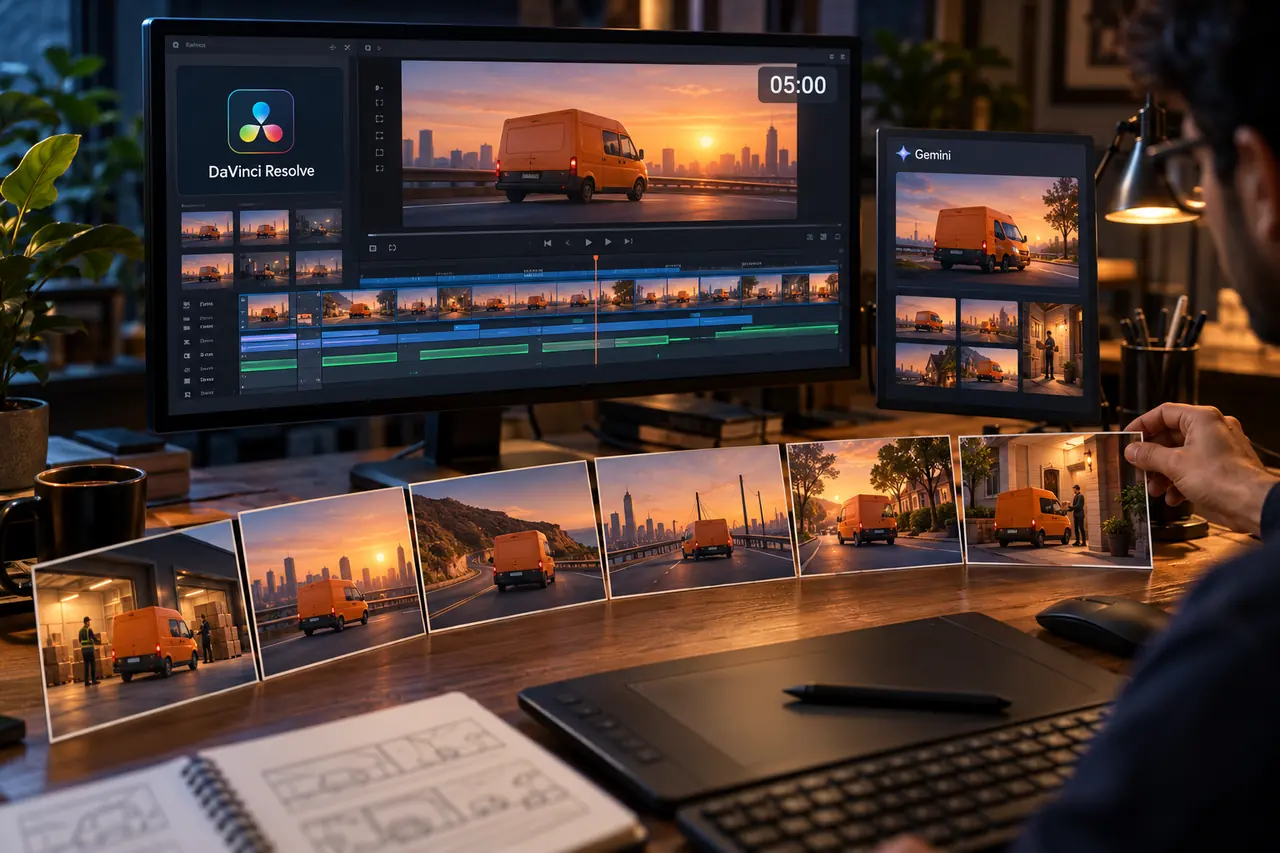
Imagine a company explaining its parcel-delivery process. This is an illustrative example, not a report of a completed client project. The first scene shows an orange van collecting a parcel. A later generated scene contains a blue van and a parcel with a different label. Both clips look convincing in isolation.
Joined together, they can make the process feel disconnected. A producer can reject the inconsistent scene, revise the references or use a branded process graphic between the actions. The parcel's journey should still be easy to follow.
Another check concerns direction: if the van repeatedly changes its apparent travel direction without an establishing shot, the journey can feel confused. Editing choices and a clear transition can resolve this without adding unnecessary visual effects.
Edit the sequence around narration and sound
Once useful scenes are available, place them in a timed sequence with the approved narration. Hold an important process step long enough to understand it. Remove repeated explanations and avoid showing an unrelated action while the voice describes a specific feature.
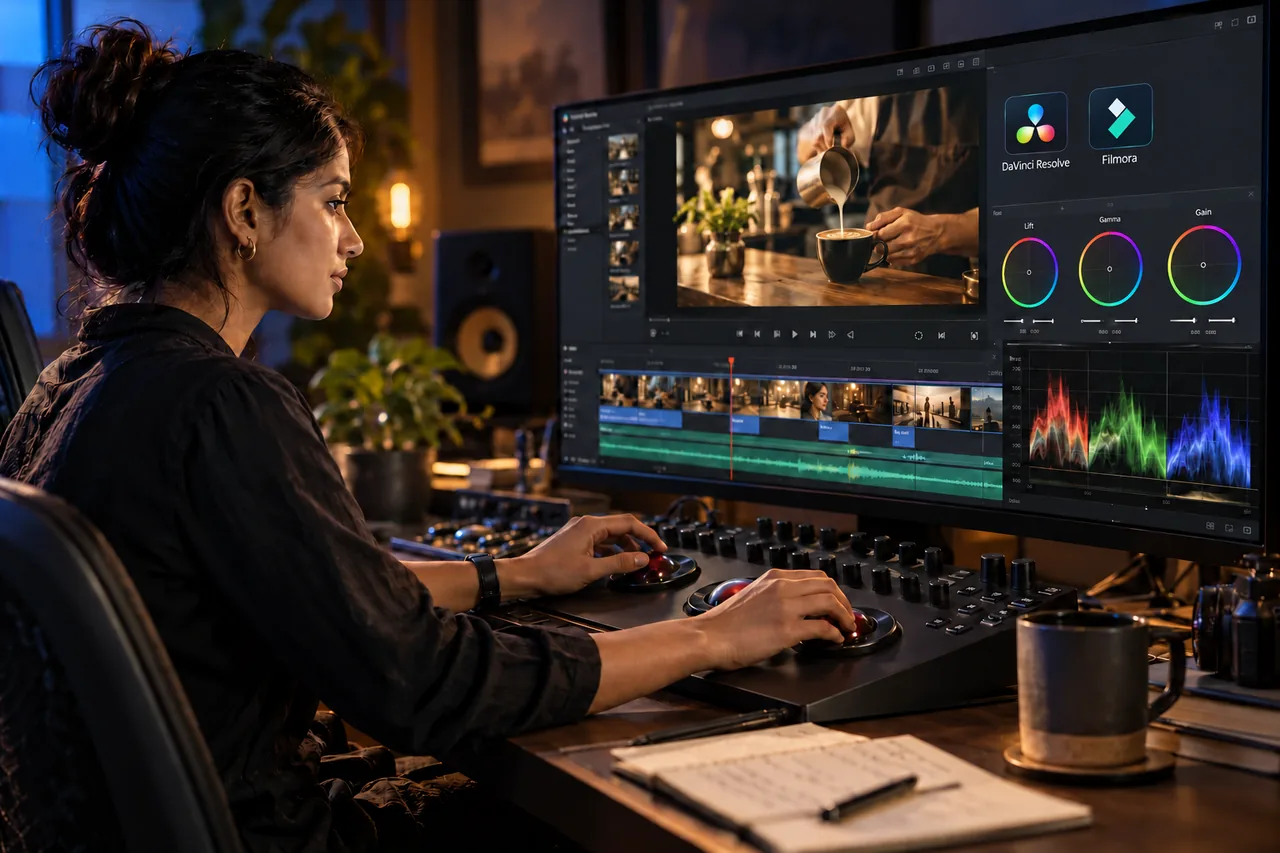
Audio work includes balancing speech, music and effects. Captions and labels need to match the approved terminology. An editor may use tools such as DaVinci Resolve or Filmora, depending on the production requirements and available assets.
Review the complete sequence from beginning to end. A collection of good clips can still have an abrupt opening, an unexplained jump or a rushed ending. These are whole-video decisions that individual scene approval will not catch.
Plan revisions around their effect on the film
Changing a spelling mistake in a controlled text layer may be straightforward. Replacing a recurring product, character or approved script can affect several scenes, their timing and the audio. A useful scope distinguishes these changes.
Agree checkpoints for the message, visual direction, rough sequence and final versions. Keep feedback consolidated so that one reviewer does not approve a scene while another requests a conflicting change. The aim is a reliable production process, not a fixed number of mandatory review rounds.
Request a representative sample if a difficult visual requirement is central to the project. It can reveal whether the proposed generation method provides enough control before the full film is commissioned.
Digital Country's recommendation
Define the explanation first, then decide which parts benefit from generated footage, motion graphics, existing media or a combination. Ask the producer to show how recurring details will be controlled and how the approved script will become a complete sequence.
Our motion graphics services can help plan that approach, while video editing can support assembly and finishing. For the earlier concept and approval decisions, read what goes into a finished AI-assisted business animation. Tool capabilities change, so confirm model-specific duration and editing options when production begins.
Frequently asked questions
Do all AI video tools stop at ten seconds?
No. Individual generation limits, extension options and automated assembly vary by model and product. Check the documentation for the exact workflow being proposed instead of applying one tool's limit to everything.
Does a five-minute animation always require 30 generations?
No. Thirty ten-second usable clips is only an illustrative calculation. Trimming, different scene lengths, repeated attempts and the use of existing media or graphics all change the actual production plan.
Can AI help maintain the same character across scenes?
Reference-based workflows can help, but the required consistency still needs to be checked in the chosen tool's output. Decide which characteristics must remain exact and approve a representative sample.
Should I decide the video length before writing the script?
Set a target range around the audience and purpose, then test the script and sequence. A shorter clear explanation can be more useful than extending a film to an arbitrary duration.
Plan the complete story before generating scenes.
Share the topic, audience, target length and existing assets so we can propose a practical scene plan and production approach.
Plan an animation project