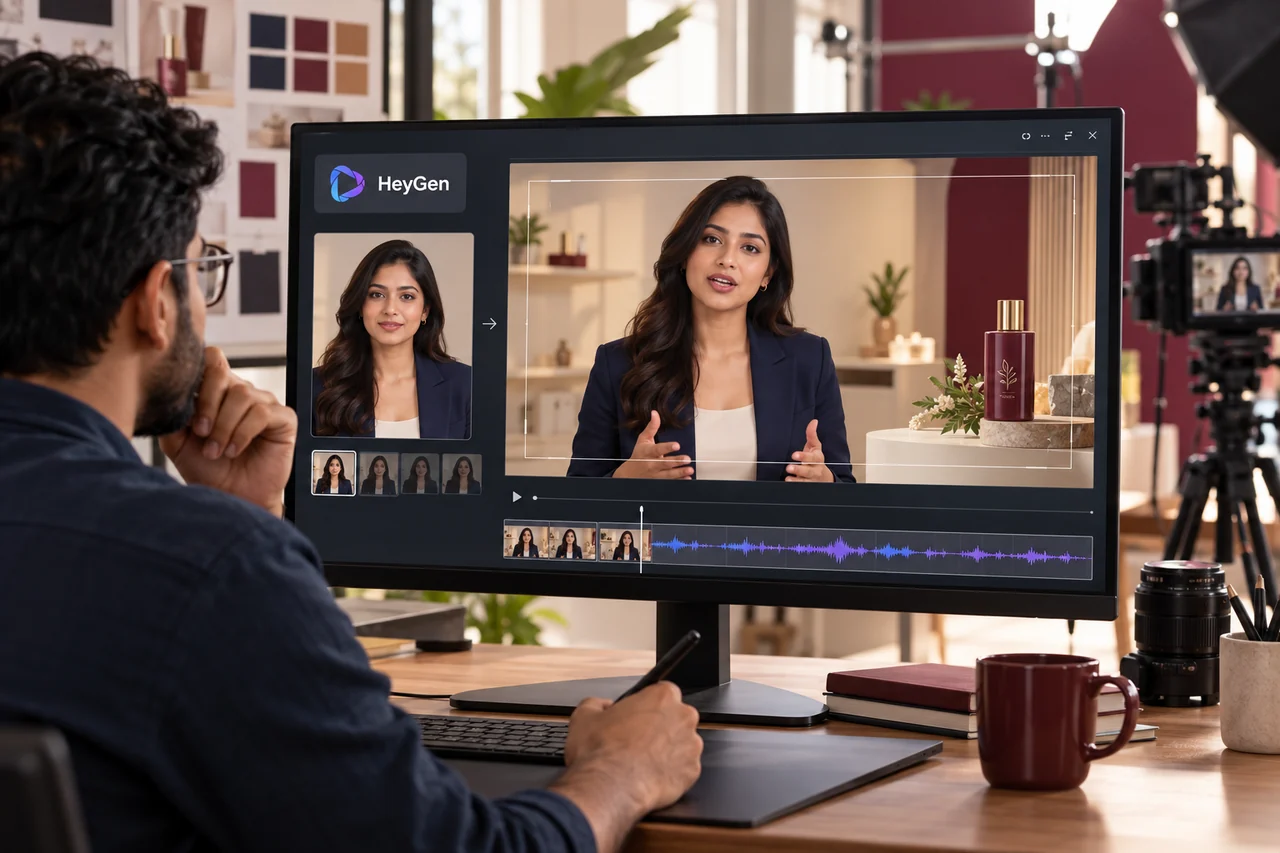
An AI avatar can make a digital presenter available without a new camera recording for every message. It can also lead to a reasonable question: “The avatar is ready, so what is left for a video team to do?” The answer starts with what has actually been created and what the business needs the final video to communicate. A presenter asset is useful, but the intended message still needs to work as a complete viewing experience.
Identify which part of the avatar workflow is ready
An avatar may be a portrait, a configured digital presenter or an already generated speaking scene. Some tools also assemble complete videos from a brief. Establish what is available before deciding how much production work remains.
A simple announcement may need only a reviewed script and a suitable export. A product explanation may need demonstrations, captions, scene changes and several formats. The required work comes from the brief rather than from a rule that every avatar video must involve extensive manual editing.
Professional support is useful when someone needs to organise those requirements, correct a problem or take responsibility for the agreed final delivery. It should be possible to explain that contribution clearly.
Give the presenter a message worth delivering
Decide who should watch and what they should understand afterwards. An avatar explaining a service to a new visitor needs different wording from an avatar guiding an existing customer through a process.
Supply approved business facts, product details and the desired next action. Remove generic claims that do not help the viewer decide anything. If the presenter is introducing an offer, confirm the inclusions and conditions before generating the final speech.
Read the script aloud. Short, natural sentences are easier to review than a paragraph filled with formal promotional phrases. The presenter should sound appropriate to the audience and the business, rather than simply demonstrating how realistic the voice can become.
Match the voice, expression and pacing
Review pronunciation, numbers, pauses and the delivery of important phrases. Then watch the scene with the sound on. Check whether the visible speech, expression and movement feel appropriate to the message.
HeyGen's Avatar and Voice FAQ recommends previewing speech and scenes before the final render and explains that some changes require re-rendering. That supports an efficient review process rather than repeated full-video attempts.
Use the controls available in the selected workflow. If a scene remains unsuitable, consider changing the script, source material or presentation approach. An avatar does not need continuous movement or an exaggerated expression to explain a business service effectively.
Add the evidence the viewer needs to see
The presenter can introduce an idea, but the audience may also need to see a product, interface or process. Use approved product images, actual demonstrations or clear graphics where those details matter.
Plan when the presenter should remain visible and when a supporting visual should take priority. A product explanation can become harder to follow if a large talking face occupies the space needed to show the relevant feature.
Captions, headings and labels should help the audience follow the explanation. Check their wording, contrast and placement in each requested format. A vertical version may need a different arrangement from the landscape version even when both use the same approved script.
An illustrative product-explainer example
Imagine a business with a ready-to-use digital presenter and a short script for a new bottle. This is an illustrative production scenario, not a customer result. The generated scene delivers the words clearly, but viewers never see the lid mechanism being described.
The producer can introduce an approved product close-up at that moment, shorten a repeated line and return to the presenter for the closing action. A caption can reinforce the feature without replacing the demonstration.
If the bottle's name is mispronounced, correct and preview that passage before rendering the full sequence again. The value comes from making the explanation complete and accurate. A longer list of effects would not solve the missing demonstration on its own.
Confirm the source and approval requirements
Use a presenter and voice that the business has approved for the project. If the workflow represents a real person, establish that person's involvement and follow the chosen platform's setup requirements.
For example, HeyGen's Digital Twin consent guidance requires the represented person to record the consent video for a video-based Digital Twin. Follow the current instructions for that particular avatar type rather than assuming all avatar workflows use the same process.
Also identify who approves the message delivered by the presenter. A realistic face should not create the impression that a person has endorsed wording the business has never asked them to review.
Plan the final delivery and future updates
Agree the formats, captions, languages and versions the team needs. Test the finished file where viewers will encounter it. Check that the action is readable, the audio is clear and the product information remains correct after cropping or resizing.
Discuss how later updates will be handled. Changing a price, feature or contact detail may affect the script, avatar scene, graphics and captions. Keeping approved assets and editable elements organised can make the next revision easier.
A handover should explain which files are included and which changes depend on access to the production platform. That gives the business a more useful picture than receiving only a download link without a record of the approved version.
Digital Country's recommendation
Test one representative scene containing the actual brand name, difficult terminology and an important product visual. Review it for accuracy and presentation before building a longer sequence. Keep production effort proportionate to the business need.
Our video editing services can help connect the presenter, demonstrations and final formats. For the narration stage, read about the work behind AI scripts and voiceovers. For a campaign-specific version, explore advertising video editing. Bring the existing avatar assets and approved message so we can scope the remaining work accurately.
Frequently asked questions
Is creating an avatar the same as creating a complete video?
It depends on the product and workflow. Some outputs are presenter assets, while other tools produce assembled videos. Review what you already have against the required final deliverable before adding more work.
Can I create a simple avatar announcement myself?
Yes. If the tool meets your needs, a reviewed script and careful preview may be sufficient. Professional help becomes useful when the message, scenes or delivery requirements need further development.
Why should an avatar video show real product visuals?
Viewers may need to see the feature being explained. Approved product assets provide the specific information a presenter alone cannot demonstrate, especially when appearance or operation affects the buying decision.
Does every script change require the same amount of work?
No. The effect depends on the platform, scene and project structure. A change can affect narration, rendering, visual timing and captions, so confirm the process and revision scope before commissioning the video.
Give your digital presenter a clear business message.
Share the avatar source, approved talking points and intended audience so we can plan the scenes, product visuals and final video versions.
Discuss an avatar video