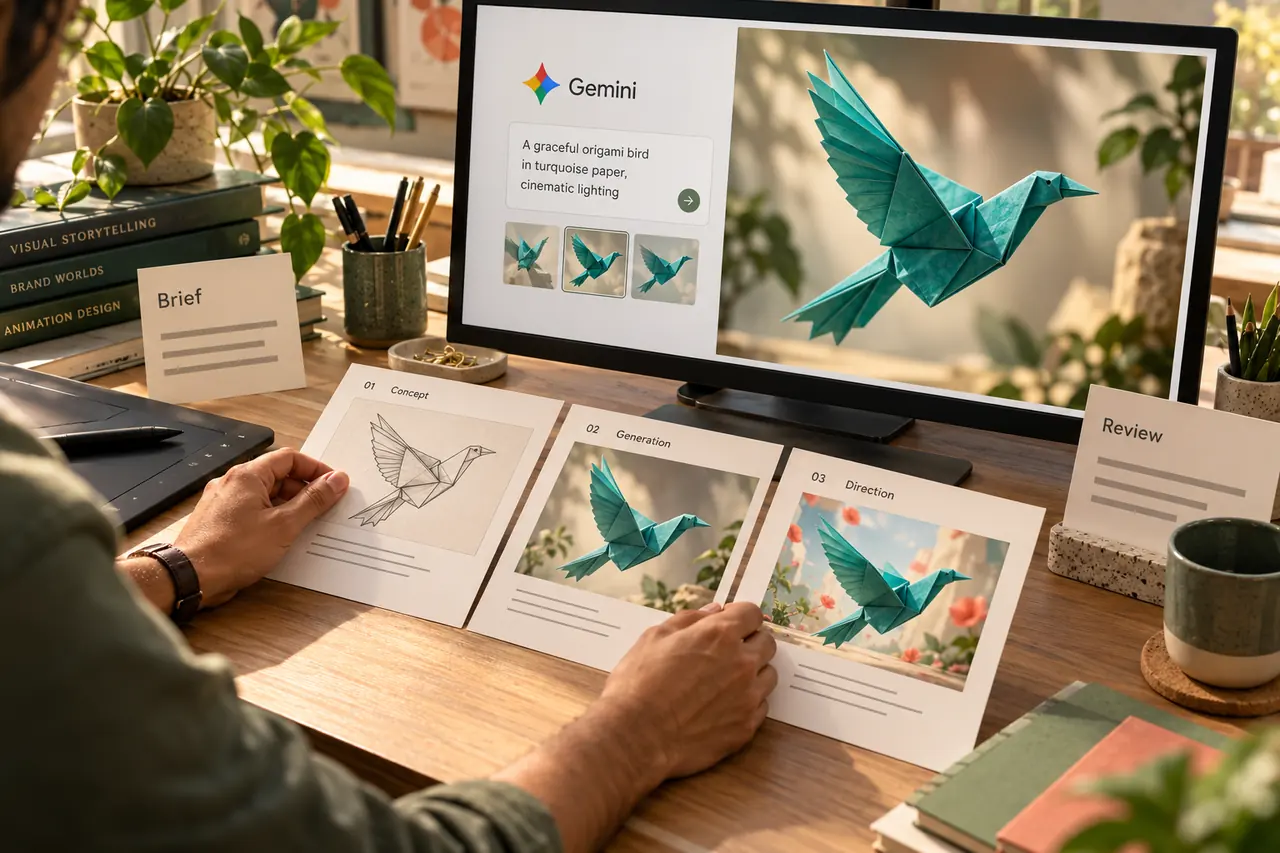
You describe your business, choose a style and watch an AI tool create a website. The first screen looks convincing. The next question is more useful than asking whether AI or a developer “made” it: can a real customer use this site successfully on your live domain?
AI tools can generate substantial working applications, not just visual mockups. A simple site may need only modest refinement. A site with customer accounts, payments or complex enquiries needs a different level of verification. Here is how a business owner can review the result without getting lost in technical terminology.
What can an AI website builder create?
Capabilities differ between products. For example, Google AI Studio's Build documentation describes generating full-stack web applications from natural-language instructions, with a preview and options to continue developing or deploy them.
That is meaningful functionality. It would be inaccurate to claim that every AI-generated website is merely a picture or cannot have a backend. Equally, the fact that a tool can build a complete application does not prove that a particular output meets your requirements.
Judge the delivered site against its intended job. A brochure website, an online shop and a customer portal have different acceptance criteria, even if their homepages look equally polished.
First, define what a successful visit looks like
Write down the main customer journey in ordinary language. For a service business, it might be: understand the service, see relevant proof, choose an enquiry option and receive a reliable acknowledgement. For a store, the journey continues through selecting a product, paying and receiving the correct order details.
Check the content as well as the buttons. Does the site describe services you actually provide? Are prices, phone numbers, qualifications and project examples real? Replace generated placeholder claims before publishing.
For an illustrative interior-design business, a beautiful room image might attract attention. The site still needs to explain what the business offers, where it works and how a visitor can discuss a project. A strong visual cannot answer those questions on its own.
Does the contact form complete the whole journey?
A success message is only one part of a form. Use test details to follow the submission from the browser to its actual destination. Confirm that the selected service and message are stored correctly and that the responsible team can retrieve them.
If email is part of the workflow, inspect delivery separately from storage. A saved enquiry can still face an email delivery problem. The page should communicate the outcome honestly and provide a useful way to retry after a genuine failure.
Also test missing required fields, invalid formats, repeated clicks and connection failures. MDN's form validation guidance explains why browser checks should be backed by validation on the server.
For a deeper explanation of the delivery issue, read why a contact form can say “message sent” without an email arriving.
Does it work on real phones and with a keyboard?
Open the site on a phone as well as a desktop. Try the menu, call button, enquiry form and any popup. Check whether the on-screen keyboard covers important controls and whether long text or images create sideways scrolling.
Then put the mouse aside. Can you reach the navigation and main actions using the keyboard? Can you see which control has focus? Can you close a popup and continue? Google's cross-platform form testing guide includes keyboard and device checks as useful starting points.
Ask someone who did not build the site to complete its main task. Observe where they hesitate instead of explaining the interface for them. This can reveal unclear labels and missing information that repeated self-review overlooks.
Are access, data and integrations handled properly?
The person implementing the site should demonstrate that private records are accessible only to the intended users. Hiding an admin link does not establish that access is restricted. If the site has accounts, test the permissions for each role and the behaviour after signing out.
Ask where API credentials are configured and whether the deployment uses the correct production settings. Different services have different rules for which identifiers may be public; secret credentials should not be placed in downloadable browser code.
For a payment integration, verify the actual provider workflow and its success, failure and cancellation paths in a suitable test environment. A checkout screen that looks complete is not evidence that payment confirmation and order records agree.
These checks are useful for any website, regardless of who or what generated its code. They are not proof that an AI-built site is inherently unsafe, nor a substitute for a review proportionate to the site's risks.
Is the site understandable to visitors and search engines?
Give every important page a clear purpose, a relevant heading and useful content. Check that navigation reaches real pages, images have appropriate descriptions and contact information is consistent. Preserve established public URLs or plan redirects when replacing an existing site.
Review page titles, descriptions, canonical URLs, indexability and the sitemap on the deployed version. Confirm that an unfinished preview or a test-only restriction has not been carried into production. Structured data should describe the actual page and business, without invented reviews or achievements.
Inspect loading behaviour with your real images and integrations. A fast empty template can behave differently after large photos, videos or third-party widgets are added. Our mobile-first website guide explains why practical device use matters beyond a resized desktop preview.
What should be included in the launch handover?
An owner should know how the site will be run after the first release. Request a concise handover covering:
- Ownership of the domain, hosting and relevant service accounts.
- How to change ordinary content and images.
- Where enquiries, orders or customer records can be found.
- Who handles backups, updates and recovery.
- Which subscriptions or usage-based services the site depends on.
- The main acceptance checks and any known limitations.
Keep an agreed recovery route before changing a live site. If the system stores orders or enquiries, recovery planning should account for records created after a backup, rather than assuming that restoring an old database is always harmless.
What does Digital Country recommend?
Use AI where it helps you reach a good result, and evaluate the result through demonstrated behaviour. A suitable review might confirm that a simple generated site is already close to launch. Another project may need integration work, content corrections or a more maintainable editing system.
For website development services, we recommend agreeing on the customer journey and launch checks before judging the project by its first screenshot. Bring the generated source or accessible preview, the required features and the details of your intended hosting.
After launch, an agreed maintenance and support process helps the owner know who is responsible when content, integrations or business needs change.
Frequently asked questions
Can a small business launch an AI-generated website?
Yes, if the chosen tool and the resulting site meet its needs. Verify the real customer journey, content, deployment and ownership arrangements. The amount of additional work depends on the project.
Is a developer always needed after using an AI builder?
Not always. Some simple sites can be managed through the builder. Technical help becomes more useful when requirements involve complex integrations, data access, migrations, performance issues or ongoing ownership questions.
Is an AI-generated website automatically bad for SEO?
No. Review the public website's content and technical behaviour. How the code was generated does not replace checks for useful pages, crawlability and a workable user experience.
Can I move the website to my own hosting?
That depends on the product's export options and the application's runtime, storage and service dependencies. Confirm compatibility before purchasing hosting or assuming that an exported ZIP will run on any server.
Check the customer journey before the launch.
Bring your preview or generated source and the features you need so we can discuss the work required for your live website.
Discuss your business website