




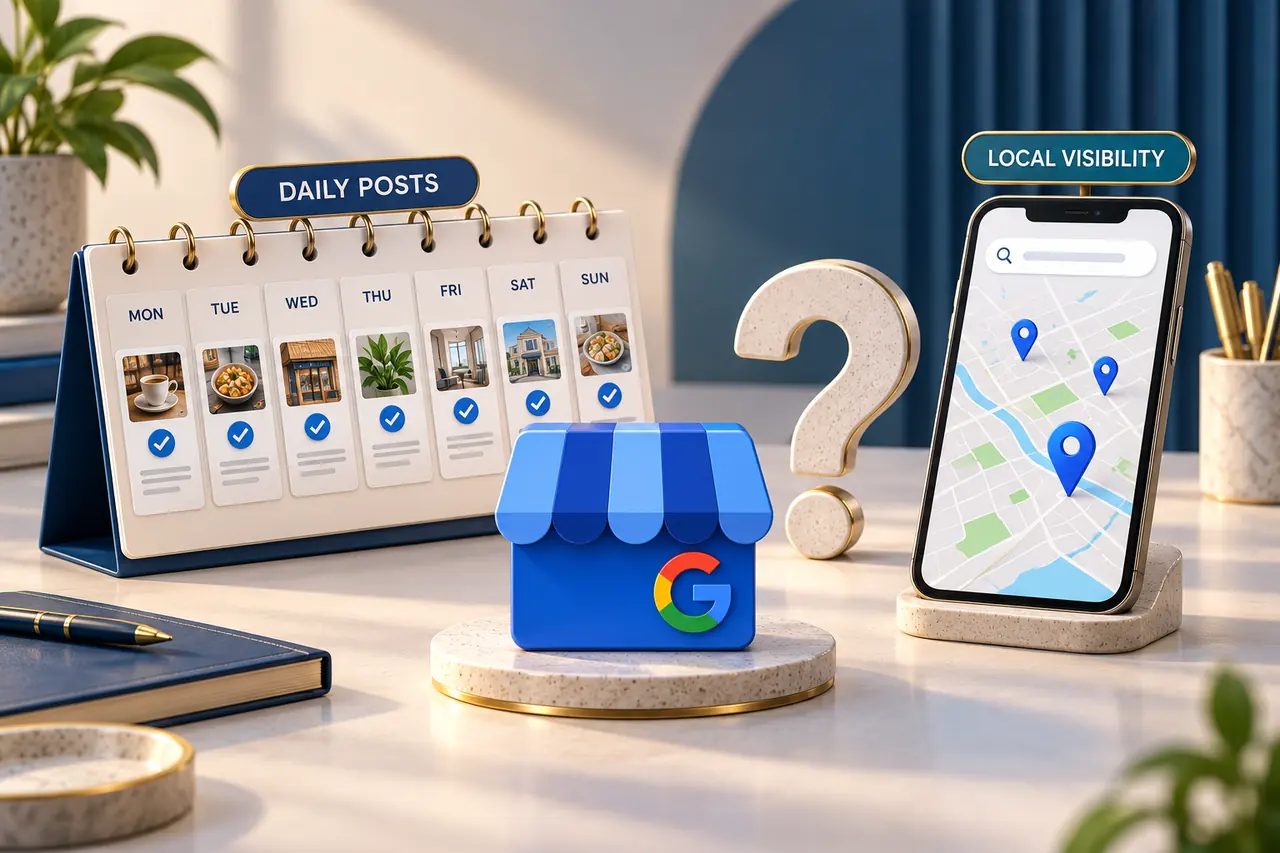
“Post on Google Business Profile every day, add your keywords and your ranking will improve.” It is a common promise, especially when a business owner is comparing local marketing packages. But is publishing more posts enough to appear higher for searches such as “salon near me” or “interior designer”?
Daily posting is not a guaranteed route to keyword rankings. Posts can help you communicate useful information, but a posting calendar should not be presented as a complete local SEO strategy. Here is how to evaluate the claim and decide what work your business actually needs.
Does Google say that posting daily guarantees rankings?
Google's published ranking guidance names relevance, distance and prominence. It does not say that publishing every day, or completing a set number of posts, guarantees higher positions.
Google keeps algorithm details confidential. A reasonable reading is that a daily-posting guarantee is unsupported; this is not proof that posts can never affect visibility.
See Google's local-ranking guidance when assessing that promise.
What should you check before increasing the post count?
The three documented factors describe different questions:
- Relevance: how closely the business matches what someone is searching for.
- Distance: how far the business is from the searcher.
- Prominence: how well known the business is, with signals including reviews and links from other websites.
As a practical review, check whether your profile describes the real business accurately. Review the chosen categories, services, website destination, location information and working contact details. Google's business representation guidelines explain how to present the real business name, address and categories.
If the business has a broader visibility problem, read why competitors can rank higher on Google Maps before assuming that more posts will resolve it.
What are Google Business Profile posts useful for?
Google describes posts as a way to share announcements, updates, offers and events with customers on Search and Maps. Available post options can include images, video and an action button leading to a relevant next step.
Think about the person deciding whether to contact you. A clear post might explain a newly available service, show a genuine example of your work or give the details of a current event. That can answer a question the customer already has.
For example, a showroom could share a new collection and link to information about the products. The immediate purpose is to help a visitor understand what is available. Whether the business moves up for a particular search is a separate outcome to measure.
See Google's guide to creating posts for the supported formats and publishing options.
Will repeating keywords in every post make the profile rank?
A sentence that clearly describes a real service is useful to a reader. Repeating the same phrase several times is not evidence of a ranking mechanism, and there is no documented keyword-density target for posts in the cited guidance.
Compare these two illustrative approaches:
Repetitive: “Best salon, best salon services, top salon, salon near me.”
Useful: “Planning a haircut before an event? Share your preferred style and appointment date so our team can discuss the available slots.”
The second gives a customer something to act on. Adapt the wording to the actual service and availability rather than copying it unchanged.
Keep the business name and other profile fields accurate too. Adding search phrases to the name when they are not part of the real-world business name is a different issue from writing a helpful service update, and can conflict with Google's representation rules.
How often should your business publish updates?
Choose a schedule your business can support with useful information. A daily-changing menu, an active event schedule or frequent genuine product arrivals may justify frequent updates. A business with little new information may be better served by fewer, more considered posts.
There is no universal “best number” established by the cited Google guidance. Our practical recommendation is to plan around real announcements, customer questions and the team's ability to keep details correct. Review that schedule alongside other local marketing work.
Before publishing, ask:
- What does the customer learn from this update?
- Is the image relevant and do we have permission to use it?
- Are the service, dates, availability and terms accurate?
- Does the action button lead to the right destination?
- Would this still be worth publishing without a ranking promise?
Google's posts content policy also applies. For example, unverified contact information can cause a post to be removed; where suitable, the Call now button uses the verified profile number.
An example: 30 posts versus a useful local marketing plan
Imagine an interior-design studio receiving a proposal for 30 monthly posts. Its profile links to a generic homepage, while customers keep asking what the initial consultation includes. This is a hypothetical example, not a client case study or a measured ranking result.
Publishing the same promotional graphic every day would leave that question unresolved. A more useful plan could explain the consultation process, show authorised project images, clarify the services offered and connect the update to a relevant website page.
The studio could still publish frequently when it has something worthwhile to share. The difference is that the plan has a customer purpose and a way to assess the response.
If visibility later improves, the studio should not automatically attribute the entire change to its posting frequency. The profile, website, competitive environment and search demand may have changed during the same period.
How should you measure posts and keyword visibility?
Keep three questions separate: did the profile appear, did someone interact with it, and did the interaction become a useful enquiry?
Google's Business Profile performance guide describes search terms, profile views and interactions such as website clicks, direction requests and call-button clicks. A call-button click is not confirmation that a call was answered or became a sale. Available metrics depend on the business.
Search terms in that report show queries associated with the profile appearing; they are not a keyword-position report. If you track local positions separately, compare the same search phrase from consistent locations. A result checked next to the business is not directly comparable with one checked across the city.
Use tagged website links where your measurement setup supports them, and record relevant enquiries separately. If paid activity is running, account for it: Google's documentation says profile performance data can include activity from organic results and Google Ads. An increase during a posting campaign does not establish that posts caused it.
What should you ask an agency, and what does Digital Country recommend?
Ask what the package includes beyond a post count: profile accuracy checks, relevant content planning, image preparation, destination-page review and an explanation of results. Request a clear distinction between deliverables the team controls and search positions it cannot promise.
A useful report should explain what was published, why it was relevant and what happened next. Avoid treating “30 posts completed” as the same result as “more qualified customers contacted the business.”
Digital Country recommends using posts within a broader plan for Google Business Profile and local SEO. Start with the problem: inaccurate information, weak service communication, low visibility or a poor enquiry journey may require different work. Our article on the connection between a website and Google Business Profile explains another part of that picture.
Frequently asked questions
Can my business rank on Google Maps without posting every day?
Daily posting is not a requirement stated in Google's published local-ranking guidance. Evaluate the profile and the relevant search context instead of assuming that an empty day in the calendar prevents visibility.
Are Google Business Profile posts a waste of time?
No. They can communicate current information and give customers a relevant next step. Judge the content by its usefulness and the response it generates, rather than treating every post as a promised ranking boost.
Should I add my target keyword to every post?
Use the service name naturally when it helps explain the update. There is no need to force an identical phrase into every message or repeat a list of locations that the update does not meaningfully address.
Should I stop posting if my ranking has not improved?
First review what the posts are meant to achieve and whether customers find them useful. Then assess visibility, interactions and enquiries separately. A ranking concern deserves a diagnosis; changing the posting count alone may not answer it.
Build a local plan around the problem you need to solve.
Share your profile, website and priority services so we can discuss visibility, customer information and the enquiry journey together.
Discuss your Google Business Profile