Your store has product pages, but useful search traffic is missing. Adding the same keyword to every description is unlikely to resolve the whole problem. Google needs to discover the right pages, understand the products and find information that helps a shopper make a decision.
Direct answer: product-page SEO combines useful product information, sensible site structure, accessible URLs and accurate technical signals. Work on the actual catalogue and customer questions rather than producing repeated descriptions solely to increase word count. No product-page template guarantees a search position.
This guide focuses on organic product discovery. Our existing product-page shopping guide covers the broader buying experience, while this article examines search access and product understanding.
1. Match a product page to a real shopping question
Identify what the item actually is, who it suits and what customers need to distinguish it from alternatives. A product title should describe the real item rather than repeat the store name and a string of broad keywords.
Separate product intent from category intent. Someone comparing a whole range may need a useful category page; someone searching for a specific material, size or model may need the individual product.
Build a small keyword-to-page map using genuine catalogue differences. Do not create several nearly identical pages simply to target different spellings of the same item. Each important URL should have a clear purpose.
2. Add original information that buyers can use
Go beyond a copied supplier paragraph. Document verified materials, dimensions, included components, care requirements, compatible uses and meaningful limitations. Where appropriate, explain the scale with an accurate image or measurement.
Ask the sales and support teams which questions arise before purchase. Their answers can identify details missing from the page. Do not invent specifications, certifications or customer experiences to make a description look richer.
There is no useful universal word-count target for every product. A standard replacement part and a made-to-order item need different information. Aim to answer the relevant decision questions clearly and maintain those facts when the product changes.
3. Help Google discover products through the store
Organise useful categories and link to the products they contain. Important items should not be discoverable only after a visitor performs an internal search or applies a complex filter.
Review navigation as a shopper and with the technical team. Ask whether a normal crawlable link connects the category to the product and whether the destination opens without a login.
Use internal links where they help the reader: compatible products, genuinely related categories and relevant guides. Avoid adding unrelated links merely to increase the number. A clear catalogue structure serves both discovery and shopping.
4. Plan URLs and variants deliberately
One product can generate multiple addresses through variants, filters and tracking parameters. Decide which URLs are intended as meaningful pages and how duplicates are handled.
Google's ecommerce URL guidance discusses variant identification and unnecessary alternative URLs. Ask the developer to inspect the store's actual implementation before applying blanket canonical or indexing rules.
Do not remove every variant page because a generic audit labels it duplicate. Equally, do not publish endless filter combinations without a purpose. The correct treatment depends on the catalogue and the information that genuinely differs.
5. Keep product data and structured data accurate
Where suitable, implement the relevant product structured data and test it against the current requirements. The visible item, price and availability should agree with the data provided to Google.
Google's Product structured data documentation distinguishes product snippets and merchant listings. It explains eligibility features; adding markup does not guarantee a rich result or a particular ranking.
If Merchant Center is used, include it in the accuracy review. A feed that describes an unavailable variant or an outdated price needs attention. Treat website content, structured data and submitted catalogue information as connected records.
6. Make images useful and technically manageable
Use clear images that represent the actual product and relevant variations. A customer should be able to understand details and scale without downloading an unnecessarily large original file for every thumbnail.
Provide descriptive image text where appropriate and generate suitable responsive sizes. Preserve enough quality to evaluate the item. Do not use a keyword list as an image description or show an attractive generated product that differs from what is sold.
Check the mobile product page as well as desktop. Images, specifications, price and selection controls must remain usable. An accessible URL is only part of a useful product experience.
7. Example: a tea set with information missing from the listing
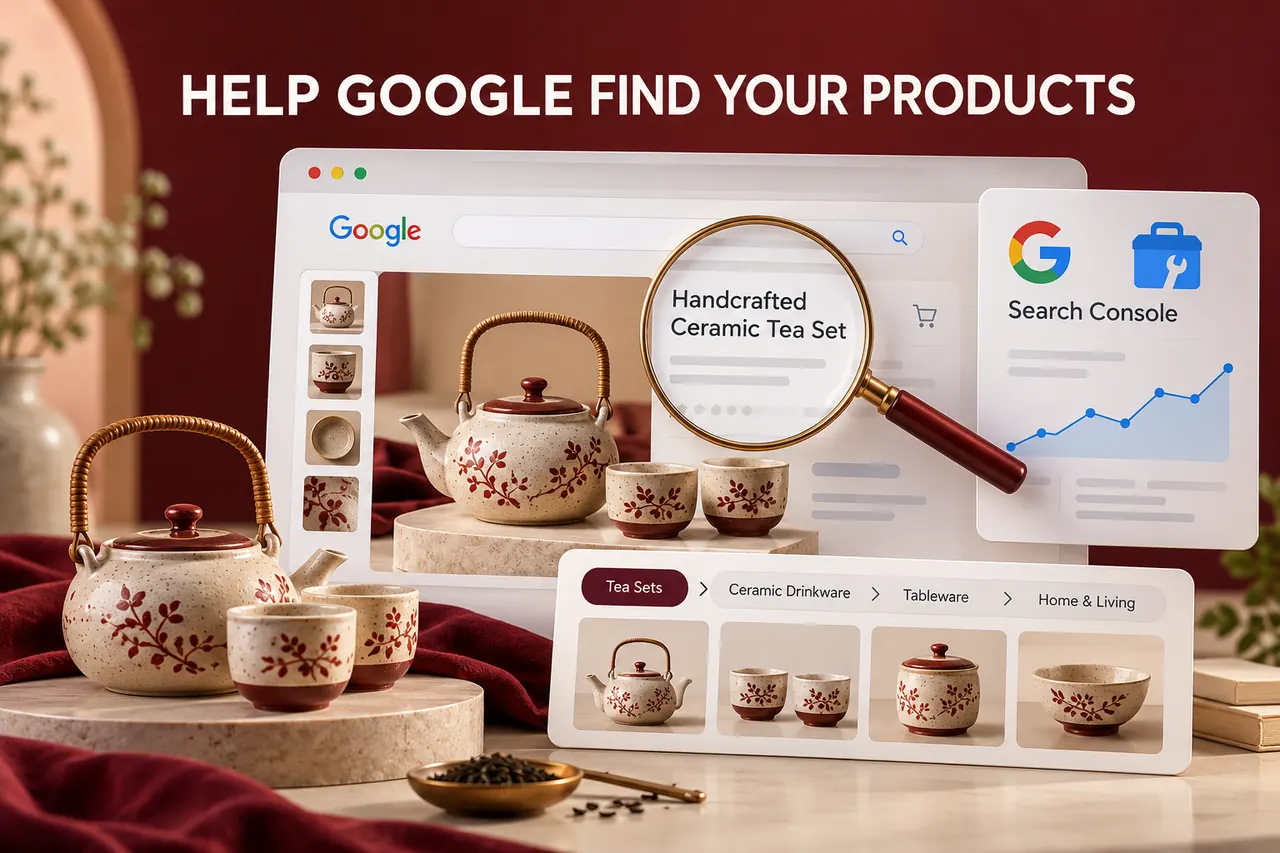
Illustrative example: a store lists a ceramic tea set with a supplier sentence and a photograph. Customers repeatedly ask about cup capacity, included pieces and cleaning instructions.
The team verifies those facts, adds original images showing scale and connects the item to the correct drinkware category. It then reviews the product URL, indexing and structured data. The work has a clear purpose even before any search outcome is measured.
Digital Country's SEO services and ecommerce development services can connect catalogue content with a technical review. Evaluate progress through relevant discovery and actual shopping behaviour, not a promise that every SKU will rank first.
8. Frequently asked questions
Should every product description be a long article?
No. Provide verified information needed for that buying decision. Length alone does not establish usefulness or search visibility.
Can I copy the manufacturer's description?
Consider permissions and accuracy, then add useful information your business can verify. Repeated supplier text alone gives shoppers little reason to choose your page.
Does Product schema guarantee first-page ranking?
No. Structured data helps communicate information and can support eligibility for certain search features. It does not purchase or guarantee placement.
Should I create a separate page for every keyword variation?
Not without a distinct purpose. Map meaningful products and categories to shopper needs rather than multiplying near-identical pages.
9. Official references
Reviewed for this article: Google ecommerce URL design, Product structured data and sharing product data with Google. The tea-set scenario is illustrative, not a claimed client result.
Give every important product a useful page.
Connect accurate catalogue information with discoverable URLs, internal links and a technical SEO review.
Discuss ecommerce SEO