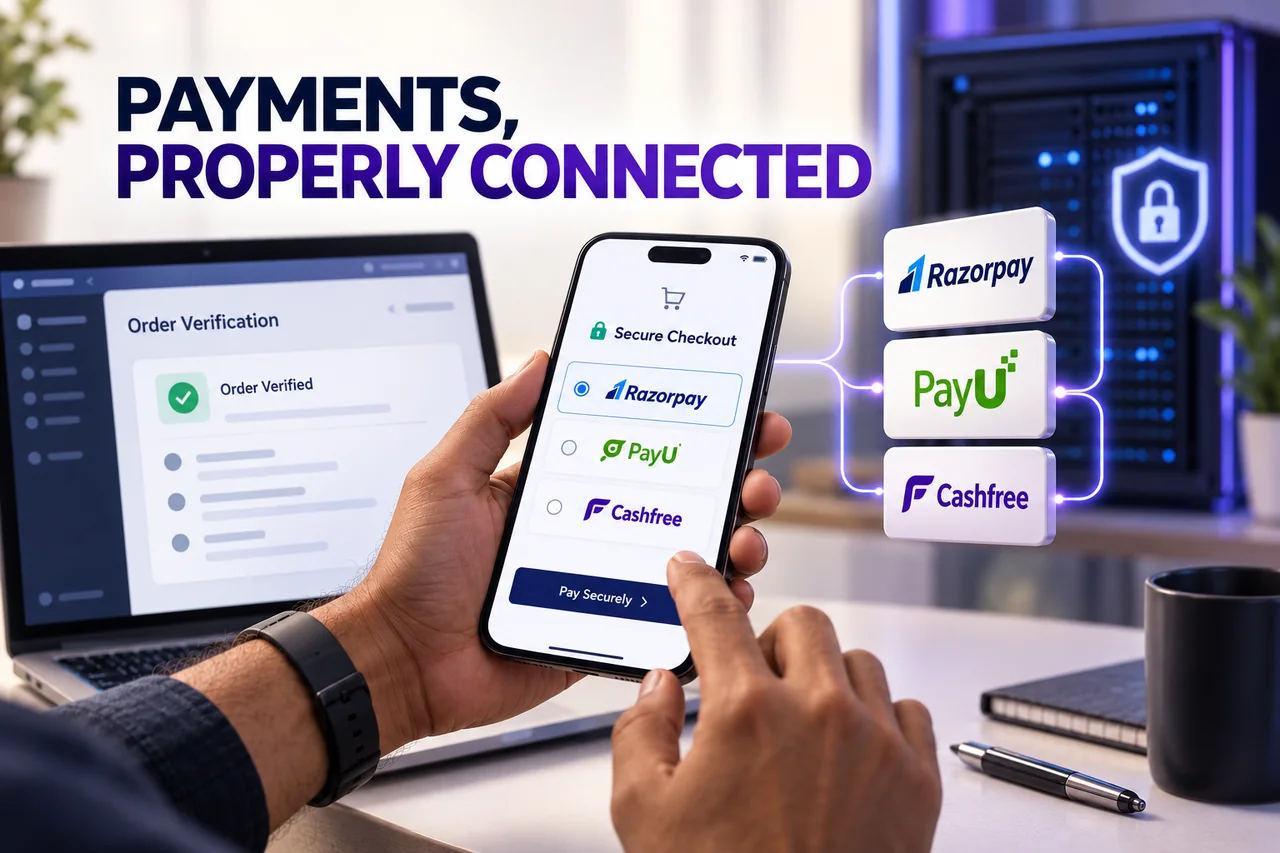
Choosing a payment gateway is only the start of accepting online orders. The website must connect the customer's checkout, the provider's verified payment state and the business's order records. A button that opens a payment screen does not prove the integration is ready for live customers.
Direct answer: select the provider and integration supported by your business and platform, complete the relevant activation process, build with the current official documentation and test payment outcomes before launch. Keep secrets on the server and confirm the payment through the provider-supported method before fulfilling an order.
This guide helps business owners brief and assess an integration. Confirm current fees, supported payment methods and activation requirements directly with the selected provider.
1. Confirm the business and operational requirements
List what you need to collect: a product payment, a booking amount, a recurring charge or another defined transaction. Identify the currencies, customer locations, refund process and order system involved.
Ask the shortlisted provider to confirm account eligibility, supported methods, activation requirements and the commercial terms applicable to your business. Test access and live activation are different stages. A successful sandbox payment does not mean the account is approved to accept real money.
Keep the provider account under appropriate business control. Agree who can manage settings, issue refunds and access reports. A developer should not become the only person able to operate the payment account.
2. Choose an integration that fits the platform
For Shopify, WooCommerce or another supported platform, check the current provider-supported integration and its requirements. For a custom site, use the official checkout or SDK appropriate to the application and account.
Clarify what the integration includes: order creation, checkout, verification, webhooks, refunds and reconciliation. Do not compare a simple payment link with a complete store order workflow as though the scope is identical.
Hosted checkout can reduce the sensitive payment information handled by your application. It does not remove the need for secure accounts, correct implementation and an appropriate business process. Avoid collecting raw card details through an ordinary website contact form.
3. Understand the Razorpay order and confirmation flow
Razorpay's Standard Checkout integration steps describe creating an order on the server, passing the appropriate identifier to checkout, verifying the returned payment signature and checking the relevant payment state.
Ask the developer to explain when the store considers an order paid and how that decision is verified. An authorised payment and a captured payment are not interchangeable labels in every setup; use the provider's current documentation and capture configuration.
The business acceptance test should cover an ordinary purchase and the exceptions. Keep test credentials and production credentials separate, and never put a secret key into public browser code or a support screenshot.
4. Understand the selected PayU integration version
PayU supports different integration routes. The current Hosted Checkout v2 guide describes a transaction request followed by payment verification. Confirm which route your developer is implementing before mixing examples from separate documentation versions.
A redirect back to the website is part of the customer experience. The business still needs authoritative confirmation of the transaction through the documented verification process before it fulfils the order.
Document which reference connects the PayU transaction with your internal order. That connection helps support staff investigate a customer who reports a debit while the website still shows an incomplete purchase.
5. Understand the Cashfree confirmation stage
Cashfree's hosted web checkout guide describes server-side order creation, opening checkout and confirming payment. Its documentation specifically keeps secret-dependent order creation on the backend.
Have the technical team demonstrate the confirmation stage, including the handling of an incomplete or unsuccessful attempt. The store's message should match the verified state rather than assume success because a customer returned to a page.
Where webhooks are used, follow Cashfree's current authentication and processing guidance. The business should know who monitors failed delivery or an unresolved payment-to-order mismatch after launch.
6. Test the exceptions that affect customers
Create a documented test plan with the authorised team:
- A successful payment linked to the correct order and amount.
- A declined, cancelled or interrupted attempt.
- A pending result that requires later confirmation.
- Repeated notifications that must not create duplicate fulfilment.
- A customer returning after closing the browser.
- A refund and its related store status, where applicable.
Use the provider's supported test methods. Real-money tests require an agreed handling and refund process. Do not ask staff to send real card details through chat to demonstrate that checkout works.
7. Prepare support and reconciliation before launch
Illustrative scenario: a customer completes payment, then closes the browser before the return page loads. A store relying only on that page may leave the order uncertain. A properly verified backend process can reconcile the payment and the internal order.
Agree how staff will search by the order reference, check the provider record and communicate without exposing private payment information. Confirm settlement reporting separately from the customer's payment result; they answer different operational questions.
Digital Country recommends an acceptance checklist and handover document alongside the build. Our ecommerce development services and custom website services can include the relevant order workflow. Provider fees, eligibility and approval remain subject to the provider's current terms.
8. Frequently asked questions
Which provider is always cheapest in India?
There is no reliable universal answer. Compare the terms offered to your business, supported methods, integration scope, refunds and operational needs directly with each provider.
Can I accept live payments as soon as sandbox testing works?
Not necessarily. Complete the applicable activation and production setup, then verify the live workflow according to the provider's requirements.
Is a success page enough proof that an order is paid?
No. Connect fulfilment to the provider-supported verification of the relevant payment or order state, not only the browser's navigation.
Does a plugin remove the need for testing?
No. A supported plugin still needs correct account configuration, compatible software and tests of the actual order journey.
9. Official integration references
Reviewed for this guide: Razorpay Standard Checkout, PayU Hosted Checkout v2 and Cashfree hosted web checkout. Use the current version appropriate to the selected product. No provider partnership or guaranteed account activation is claimed.
Connect payment confirmation with the order workflow.
Define the provider-supported integration, exception tests and operational handover before accepting live payments.
Discuss your payment integration