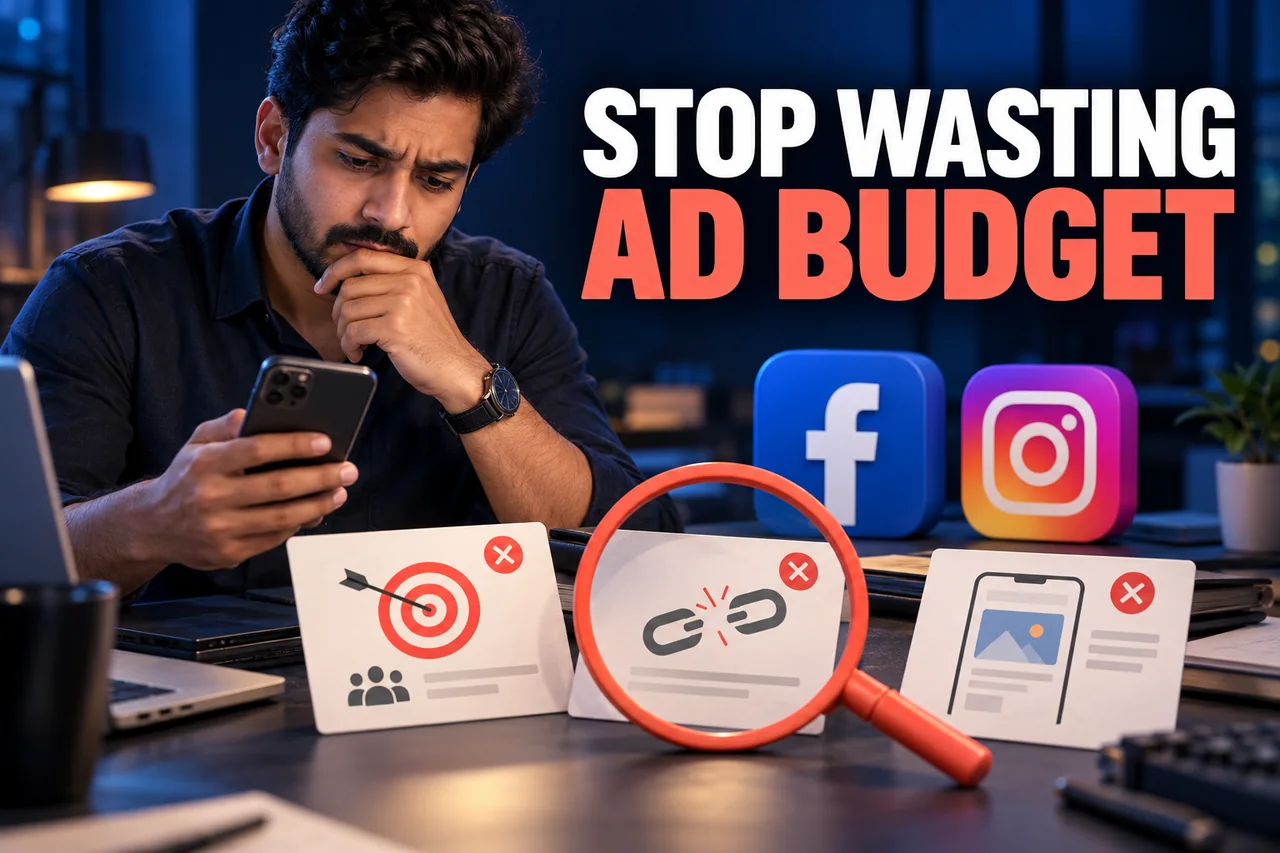
A campaign can spend its full budget, receive reactions and still leave the owner unsure what was achieved. The cause is not always a platform problem. Small gaps between the brief, creative, destination and follow-up can make paid traffic much less useful than it should be.
Direct answer: review the whole advertising workflow before increasing spend. Common mistakes include an unclear goal, an inaccurate offer, unsuitable audience assumptions, weak mobile presentation, untested measurement and poor response handling. Diagnose the specific failure rather than changing every setting at once.
This is a campaign-quality checklist. The separate guides linked below investigate particular symptoms such as likes without leads and irrelevant enquiries in more depth.
1. Launching without a shared result definition
“Get more business” is not specific enough for campaign setup. Decide whether the immediate goal is a relevant conversation, a submitted application, a booking or a paid order. Then make the report describe that action accurately.
Meta's current objective mapping explains how campaign objectives relate to different outcomes. Review the actual objective and the settings that define where and how people are asked to act.
A useful pre-launch question is: “If this campaign works exactly as configured, will the result match what the owner expects?” That check can reveal a misunderstanding before the first advertisement runs.
2. Advertising an offer the business cannot deliver
A vague “best service” claim gives customers little to assess. An exaggerated discount or an incomplete price may attract attention for the wrong reason. Explain the genuine service, relevant conditions and next step before asking people to submit details.
Also confirm the practical limits: service locations, appointment capacity, product availability and response hours. Advertising beyond what the business can fulfil creates unsuitable demand even when the campaign appears active.
Have someone outside the campaign team read the ad and explain what they expect to receive. If that differs from the business's actual offer, revise the message. Do not try to solve a misleading promise solely by rejecting the resulting leads.
3. Treating audience settings as a magic answer
Copying another advertiser's interests does not prove that an audience suits your offer. Narrowing every audience is not a universal improvement either. Start with the genuine customer, coverage and account options available for the campaign.
Record why the audience is being tested. Compare the suitability of resulting enquiries, not only the number of clicks. If the sales team consistently reports a mismatch, connect those findings to the ad and form before changing unrelated settings.
Follow applicable platform requirements for the business category. Meta's Advertising Standards are the official policy reference. Do not use deceptive wording or prohibited targeting to avoid a restriction.
4. Approving creative that fails on a phone
An attractive desktop design can become unreadable when shown in a narrow placement. Important text may be too small, a product may be obscured or the main message may depend on a caption nobody has opened.
Preview the relevant placements and review the creative on a real phone. Confirm that the opening message, product or service and next action remain understandable. Provide assets designed for the placements actually used rather than assuming one crop suits everything.
Check the destination on the same device. The ad and landing page should feel like one offer. A visitor should not have to search the whole website to find the service that was just advertised.
5. Measuring clicks while ignoring completed actions
Test the form, message path or checkout before launch. A click can occur before validation fails, an enquiry can be saved while its email notification fails, and an order can remain unpaid after checkout opens.
Keep those stages separate in reporting. If a website event and a server integration report the same action, ask the responsible team to verify the implementation rather than accepting an unexplained total.
Our contact-form delivery guide covers the receiving process. For a campaign producing reactions but few enquiries, use Meta Ads likes but no leads to investigate the specific goal and customer journey.
6. Losing suitable enquiries after they arrive
Campaign work does not end at a form submission. Confirm where leads are stored, who responds and how outcomes are recorded. An unattended inbox can make a useful campaign look ineffective.
Illustrative example: a furniture business runs an ad for a made-to-order item. The ad does not explain that delivery takes several weeks, and the inbox is checked irregularly. The owner sees unsuitable enquiries and assumes the audience is entirely wrong.
A review corrects the offer explanation and assigns response ownership before testing further campaign changes. This is a diagnostic example, not a claimed client result. It shows why campaign and operational fixes should be distinguished.
7. Making changes without a learning record
If the team changes the offer, audience, form and creative together, it becomes difficult to identify what helped. Keep a brief record of the question, change, period and relevant outcome.
Review enough comparable activity to support the decision. One quiet morning or one promising enquiry should not be presented as proof of a permanent trend. Consider business hours, stock changes and sales-cycle differences when interpreting a period.
Digital Country recommends a pre-launch checklist followed by a regular quality review. Our social media marketing services and ad creative services can be scoped around the actual business journey and approved offer.
8. Frequently asked questions
Does a high click-through rate prove the campaign works?
No. It describes one stage of the journey. Check the relevance of visitors and the business action you intended to generate.
Should I target a very narrow audience to avoid waste?
Not automatically. Review the offer, real customer requirements and campaign evidence. Audience size alone does not establish quality.
Is boosting a post always a mistake?
No. Assess whether its goal and controls suit the task. Our boosted posts versus campaign guide explains that comparison separately.
Should I increase the budget when leads stop?
Investigate delivery, measurement, the offer and the response process first. More spend does not repair every failure in the journey.
9. Official references
Reviewed for this article: Meta's current ad objectives and Advertising Standards. The campaign checklist and example are original editorial guidance, not a promise of a particular lead cost.
Check the whole advertising workflow.
Connect the genuine offer, creative, destination and receiving process before the next campaign launch.
Discuss your social advertising