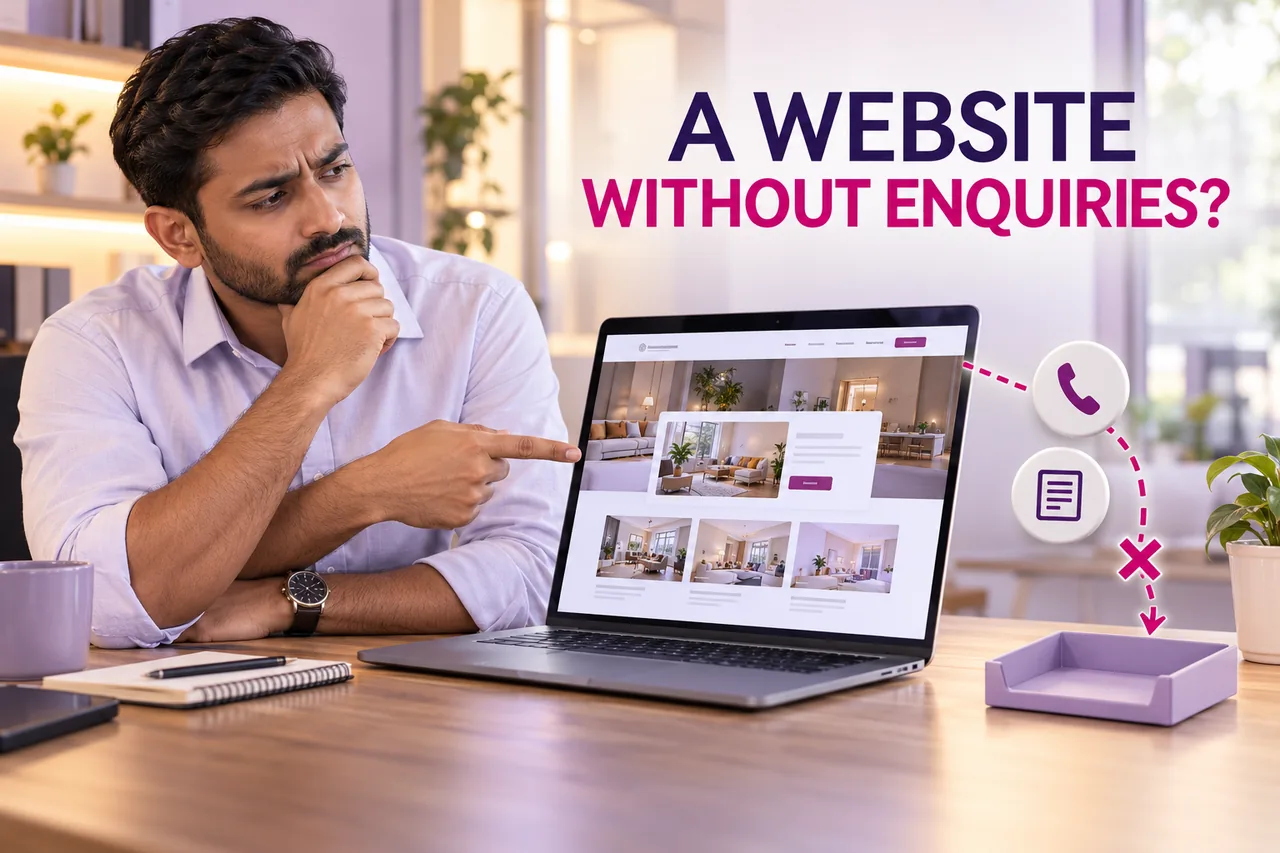
Your website is live and looks professional, but the enquiry inbox remains quiet. A full redesign may be unnecessary. First establish whether suitable people arrive, understand the offer and can complete a contact action that reaches the business.
Direct answer: diagnose the complete visitor-to-enquiry journey before changing the design or buying more traffic. The eight checks below separate audience fit, explanation, trust, contact access, technical delivery and measurement. Each points to a different type of work.
This guide covers a service website across traffic sources. If the issue is specifically paid search, our existing Google Ads clicks but no leads article provides the campaign-side investigation.
1. The website attracts the wrong visitors
Review where visitors arrive from and which pages they enter. A person seeking a job, a free tutorial or a service outside your coverage may never have been a suitable sales prospect.
Check the search terms, referral context or campaign promise where that information is available. Do not assume every recorded visit represents someone ready to buy.
Match the page with the genuine audience and service. If a page attracts a different question, decide whether to answer it properly and guide the visitor, or adjust the acquisition plan. Changing the colour of a button will not correct every audience mismatch.
2. The offer is difficult to understand
Ask a new reader to explain what the business does, who it serves and what happens after an enquiry. If the answer is unclear, the page may rely too heavily on slogans and decorative descriptions.
Use concrete service explanations, relevant deliverables and genuine limitations. Help the reader distinguish the service from alternatives without claiming to be the best at everything.
Make the next step proportionate to the decision. A visitor comparing a complex project may need to understand the process before agreeing to a call. Explain what information to prepare and what the first conversation will cover.
3. Important proof is missing or unconvincing
Customers may want to know who operates the business, what experience is relevant and whether the offer is credible. Use genuine work examples and business information that you can support.
Do not fill the gap with invented clients, copied testimonials or unsupported awards. A smaller amount of clear, verifiable information can be more useful than a crowded collection of trust badges.
Place relevant proof near the decision it supports. Illustrative example: a specialist service page can explain a real work process and show authorised project images rather than rely on a general claim that every customer is satisfied.
4. The contact action is hard to find
A visitor should not have to search through several sections to learn how to ask about the service. Use an understandable action label and a destination that matches it.
Check whether repeated buttons lead to inconsistent forms or whether the same label opens different actions without explanation. Make call, messaging and form options distinguishable where several routes are offered.
Test each link as a visitor. A button that opens a messaging app is useful for that action, but it is not the same as a form submission. Keep the expected result and the follow-up owner clear.
5. The form or receiving process fails
Submit an authorised test through the real form and verify what the business receives. Check required fields, validation, stored records and the notification route. A visible confirmation alone is not enough.
A complex form can also ask for too much too soon. Review which fields are essential to handle the initial request and explain anything that may be unclear.
Our contact form says sent but no email guide examines delivery failures separately. Fix the failed stage before assuming the website has no demand. Keep test details clearly identifiable so they are not treated as real prospects.
6. Mobile visitors cannot finish the task comfortably
Open the website on a phone and complete the full journey. Check menu behaviour, text, sticky controls, form input and the keyboard. A layout can fit the screen while still making the task awkward.
Look for a contact button covered by another widget or an error message far from the field that needs attention. Test ordinary devices and relevant screen widths, not only a large desktop preview.
The mobile-first website checklist provides a task-based review. The purpose is to find a reproducible usability problem rather than assume that every quiet inbox needs a new visual theme.
7. Buyers cannot resolve an important objection
Repeated questions about coverage, scope, process, delivery or commercial terms can indicate information the page should explain. Ask the sales team what suitable customers need to know before starting a conversation.
Provide honest guidance at the right level. If a project needs a custom quote, explain which details affect the estimate instead of publishing a misleading universal price.
Do not hide relevant limitations until after a customer submits. A clearer expectation may reduce unsuitable requests while helping suitable visitors decide to enquire. Judge the quality of the resulting conversations, not only the raw form total.
8. Received enquiries are not being counted consistently
Check the inbox, database and approved call or messaging process. Some businesses describe “no enquiries” while tracking only one form and overlooking other contact routes.
Define what counts as a unique enquiry and distinguish it from a click. A WhatsApp button click is not proof of a sent message; a recorded conversation may still be absent from the marketing report.
Digital Country recommends one agreed enquiry record and a clear diagnostic brief. Our website development services and lead generation services can connect the page with the receiving and reporting workflow.
9. Frequently asked questions
Should I redesign immediately if enquiries are low?
First identify the failure. Traffic fit, an unclear offer, a broken form and missing measurement need different repairs.
Does more traffic always create more enquiries?
No. The visitors need to be relevant, understand the service and be able to complete the intended action.
Is a WhatsApp click a confirmed lead?
No. Label the click accurately and record the actual conversation separately where appropriate.
Should I remove every form field?
No. Keep information necessary for the initial task and explain it clearly. Assess completion and enquiry quality together.
10. Technical references
Relevant official guidance: Google's mobile-first practices and Contact Form 7's sent-message email FAQ. The eight-reason diagnosis is original editorial guidance and does not imply that every website uses that plugin.
Find the failed step before redesigning.
Review the audience, offer, contact journey and receiving process with one shared enquiry definition.
Review your website journey